Discover how smart grill apps can revolutionize your outdoor cooking by offering remote control, precise monitoring, and a wealth of recipes.
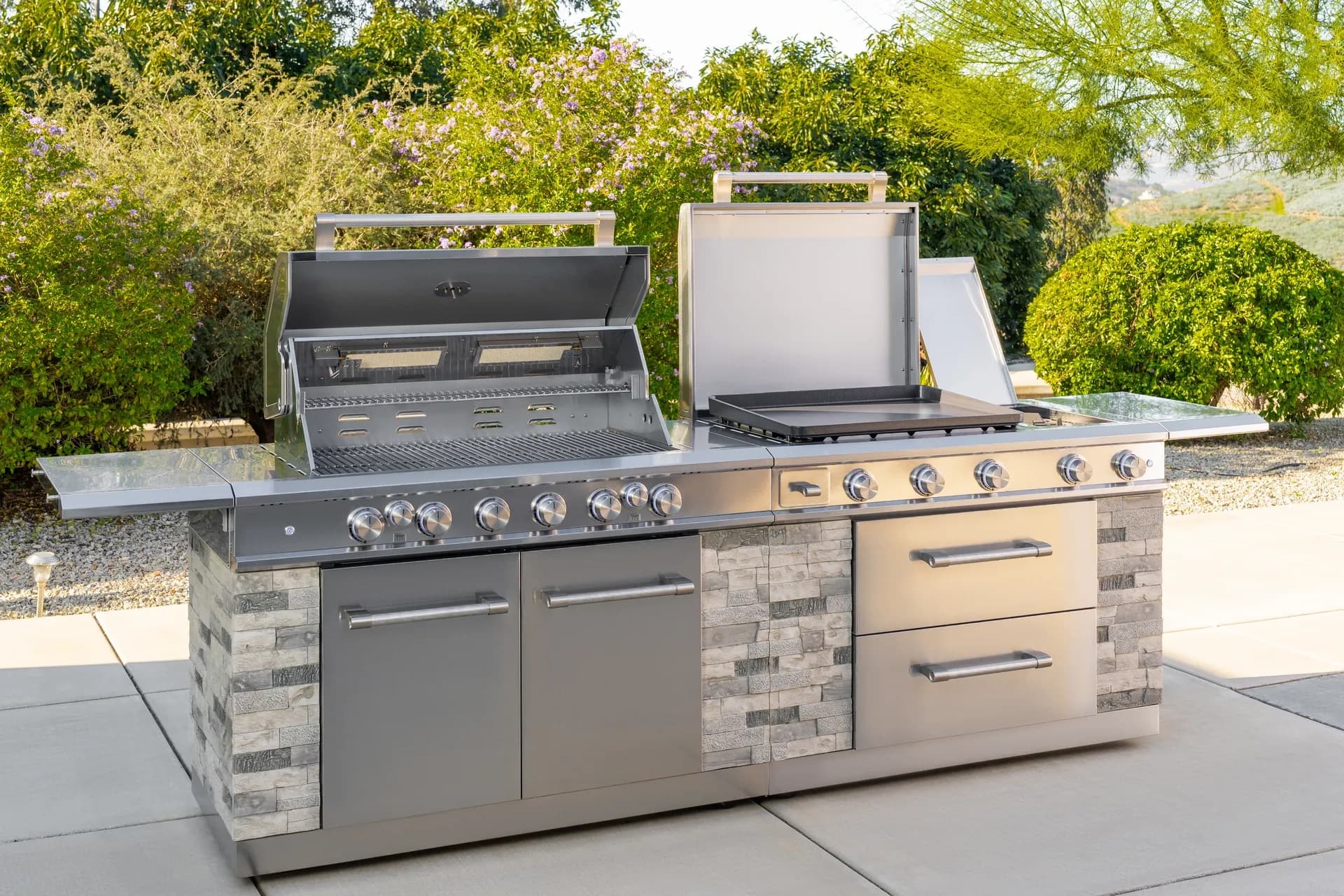
From sizzling breakfasts to smash burgers and teppanyaki-style dinners, the Daytona Pro 5 Burner NitroGuard™ Griddle delivers powerful heat, fast cooking, and a durable cooking surface built for every backyard cookout. Watch how easy outdoor cooking can be.
Here's what sets us apart from the competition
We position ourselves as delivering high-end outdoor cooking features and performance without premium-brand pricing, emphasizing “Quality Grills. Unbelievable Value.”
We offer gas grills, pellet grills, griddles, smokers, pizza ovens, portable/tabletop grills, electric grills, accessories, and replacement parts — allowing customers to stay within one ecosystem for all outdoor cooking needs.
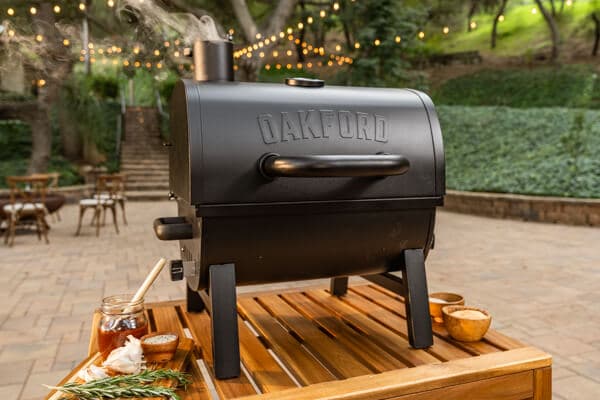
We differentiate ourselves through smart grilling products like the Oakford smart pellet grill, including app-connected cooking controls and modern outdoor cooking technology.
Expert tips, buying guides, comparisons, and inspiration for choosing and getting the most out of your grill.
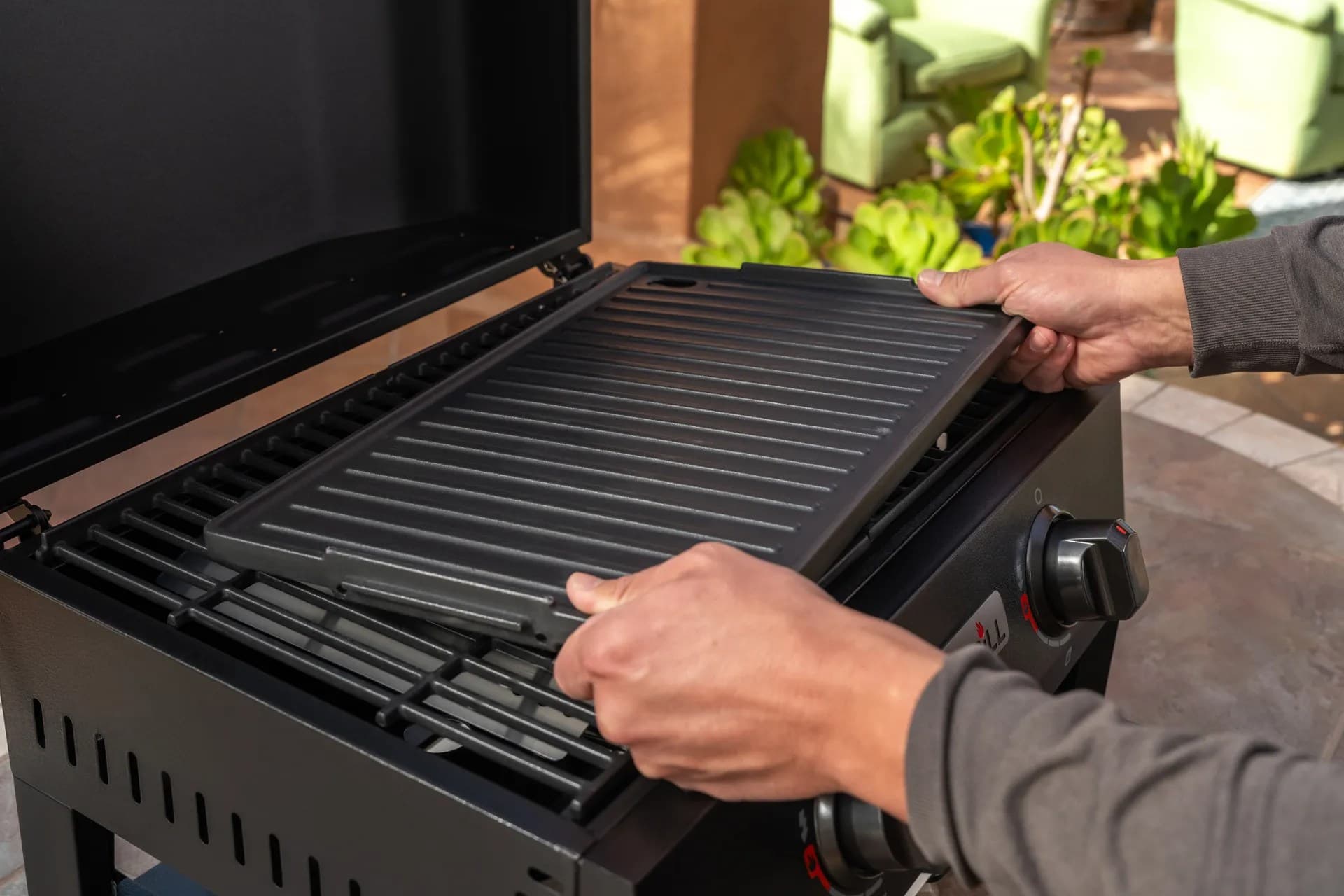
Practical guides for cleaning, maintenance, common grill issues, and performance optimization.
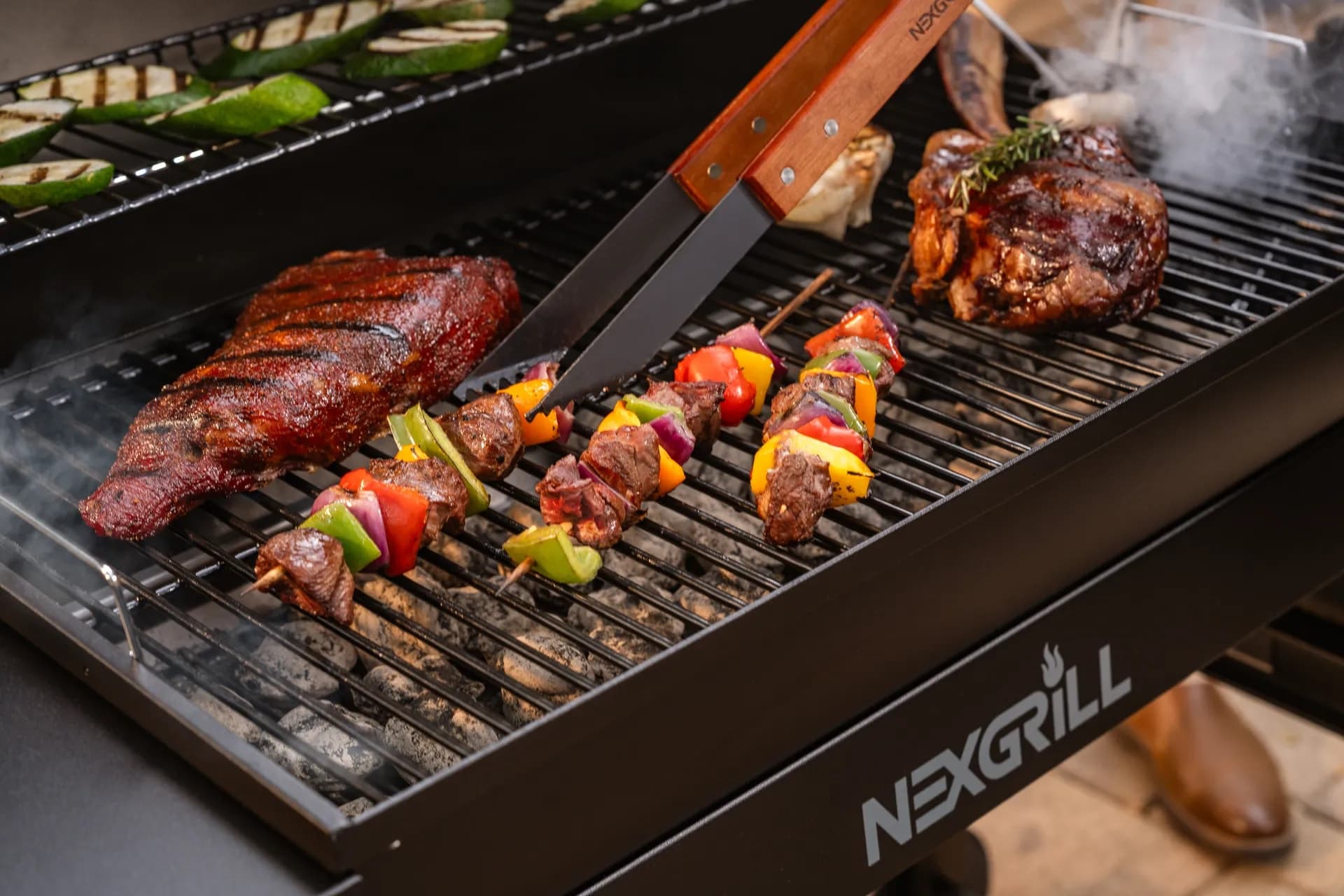
Step-by-step grilling recipes, cooking techniques, and meal ideas for every occasion and skill level.

Backyard entertaining ideas, seasonal grilling inspiration, and stories that celebrate outdoor cooking culture.
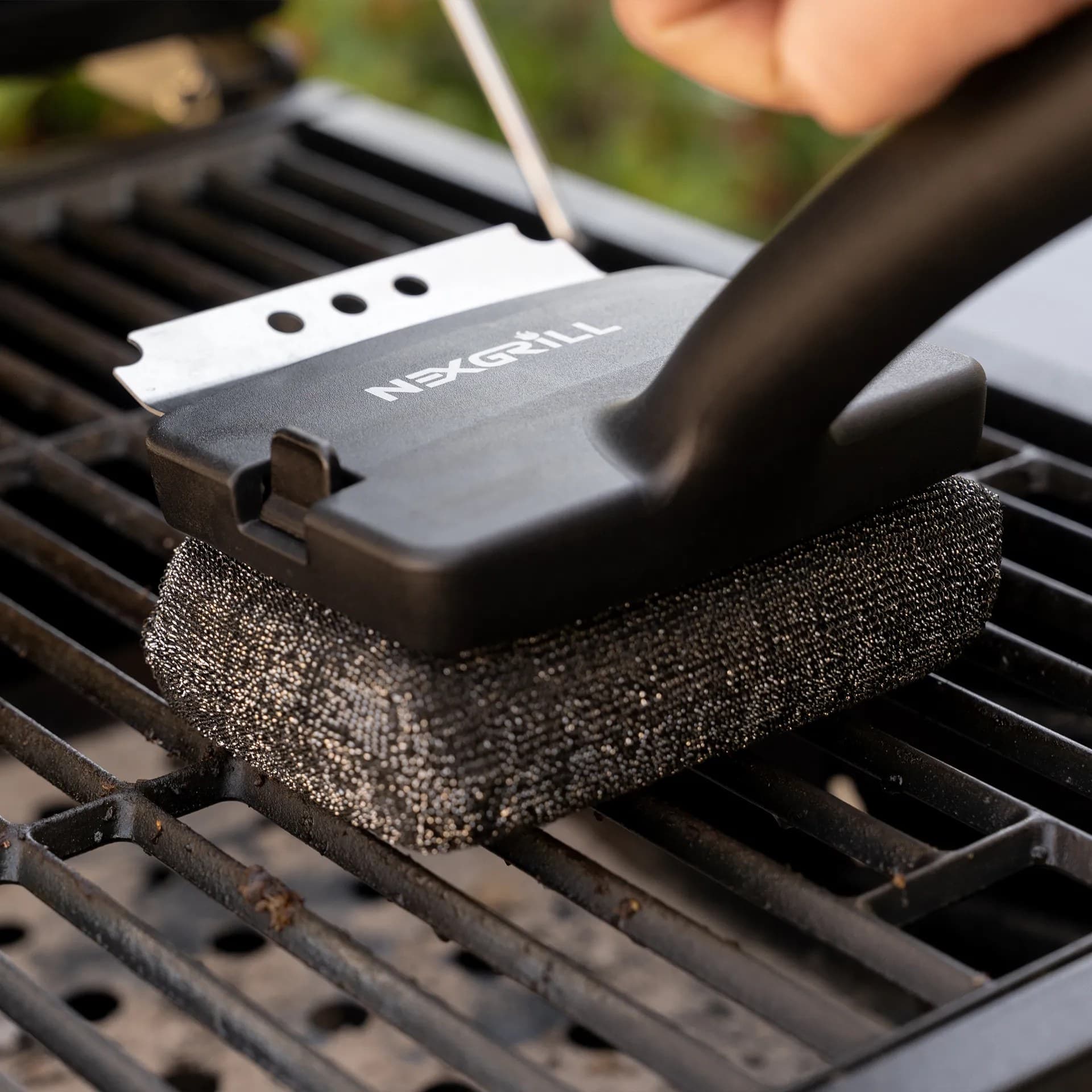
Helpful articles covering grilling tools, cookware, maintenance gear, and must-have accessories for outdoor cooking.
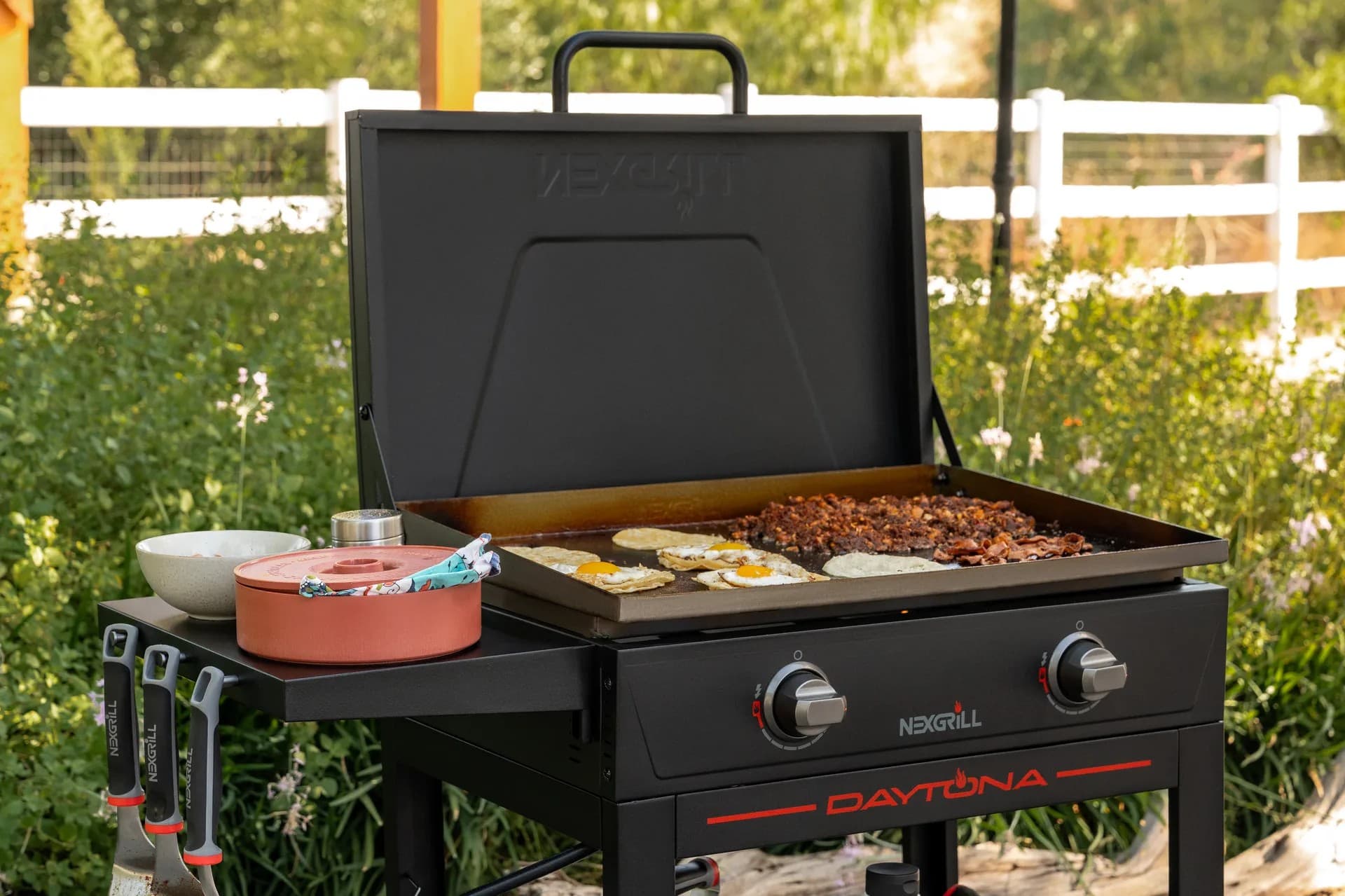
Find griddle recipes, cooking techniques, cleaning tips, and outdoor meal ideas designed for Nexgrill griddles.
Find answers to common questions
Gas grills provide instant heat and precise temperature control, making them easier to use. Charcoal grills offer a smoky flavor and high heat for searing but require more time to heat up and manage.
Pellet grills combine the convenience of gas with the flavor of wood, allowing for smoking, baking, and grilling. Traditional gas grills, however, are quicker to start and often easier to clean.
Charcoal grills typically reach higher temperatures quicker than gas grills, making them better for searing meat. However, high-quality gas grills can also provide adequate heat for effective searing.
Nexgrill offers models designed specifically for gas, charcoal, and pellets, allowing users to choose based on their cooking style and flavor preferences. Each type is built to optimize the characteristics of its respective fuel.
Choosing between gas and charcoal grills depends on your cooking preferences and lifestyle. If you value convenience and quick cooking, a gas grill may suit you better; if you prefer the taste and experience of traditional grilling, a charcoal grill would be ideal.
In This Article
Remote Control
Precise Monitoring
Recipe Access
Smart grill apps have changed the way many outdoor cooks manage a live fire, a gas burner system, or a pellet feed cycle. Instead of standing by the patio table and constantly opening the lid to check progress, you can monitor temperatures, receive alerts, and, on some setups, adjust settings from a phone or tablet. That shift matters because grilling is often a juggling act: one steak wants a hot sear, ribs need a long window at steady heat, and vegetables can go from perfect to overdone quickly. For a family cookout or an ambitious weekend smoke, an app can act like a second set of eyes.
For Nexgrill readers, the most useful way to think about smart grill apps is not as a gimmick, but as a control layer that helps you cook with more confidence. The app does not replace technique. It does, however, reduce guesswork. That can be especially helpful when you are cooking multiple items at once, managing different doneness targets, or trying to keep track of temperatures in a larger backyard gathering. A well-designed app gives you timely information so you can make better decisions without hovering over the grill every minute.
The biggest benefit is not convenience alone. It is consistency: fewer lid lifts, fewer temperature surprises, and a clearer path from setup to serving.
The current app ecosystem is broad. Weber Connect focuses on guided grilling workflows and notifications, while Traeger’s app is built around pellet cooking, recipe guidance, and remote monitoring for supported grills. Brisk It’s app centers on AI-assisted cooking support for its own grill platform. These apps show the range of what smart grilling can look like: some are best for simple temperature visibility, some are better for step-by-step coaching, and some lean into automation and recipe discovery. The right choice depends on how much control you want, how much guidance you need, and which grill ecosystem you already own. The app should fit the grill, not the other way around.
Another reason smart grill apps matter is that they can make learning easier for newer grill owners while still giving experienced cooks a more efficient workflow. Beginners get fewer unknowns. More experienced cooks get better multitasking and less babysitting. If you are comparing features, start by asking whether you want basic remote alerts, probe-based monitoring, guided doneness targets, or full remote adjustment where your hardware supports it. That framing will help you ignore flashy features that do not affect your actual cooking results.
The best smart grill apps all solve the same basic problem: keeping you informed without forcing you to stand beside the grill the whole time. The details vary, but most strong apps share a few core features. First is temperature monitoring. Connected probes can measure food internal temperature, grate temperature, or both, letting you track a brisket, a chicken breast, or a rack of ribs in real time. Second is alerts. A good app tells you when food reaches a target temperature, when the grill falls out of range, or when it is time to flip, rest, or pull the meat.
Turn your phone into a live cooking dashboard for supported grills and probes.
Recipe libraries are another major feature, but they are not all equal. Some apps simply store recipes, while others connect a recipe to a probe target, estimated timeline, and staged cooking instructions. That distinction matters for busy cooks because it changes the app from a reference tool into a guided assistant. When an app ties a recipe to temperature goals and step timing, it becomes easier to manage dishes like smoked chicken thighs, reverse-seared steak, or cedar-plank salmon.
| Feature | Why it matters | Best use case |
|---|---|---|
| Probe monitoring | Tracks internal food temperature without opening the lid | Low-and-slow cooks, roasts, poultry |
| Grate temperature tracking | Shows how stable the cooking chamber really is | Pellet smokers, long cooks, indirect heat |
| Push notifications | Keeps you informed while you prep sides or guests | Entertaining, multi-tasking |
| Guided recipes | Reduces guesswork with timed steps and targets | Beginners and busy weeknight cooks |
Some apps also add extras such as cook timers, probe naming, cook history, and doneness presets. These features sound minor until you are cooking for several people and need to remember which probe is in the pork shoulder and which is in the chicken. That kind of organization is a real quality-of-life improvement. In practice, smart grill apps are most valuable when they reduce small mistakes: forgetting a temperature check, opening the lid too often, or losing track of a cook that should have been wrapped or rested earlier.
If an app helps you avoid even one overcooked meal, it has already earned its keep for many households.
Among the best-known smart grill apps, Weber Connect and Traeger stand out because they are built around complete cooking workflows rather than just temperature readouts. Weber Connect, available on the App Store and Google Play, emphasizes guided cook steps, smart notifications, and compatibility with supported Weber hardware. That makes it attractive for cooks who want an app to act more like a coach than a remote thermometer. It is especially helpful when you want an orderly process for burgers, chicken, or slow-cooked meats without memorizing every step yourself.
Traeger’s app takes a pellet-grill-centric approach. On Apple’s App Store and Google Play, it is positioned as a companion for supported Traeger grills with remote monitoring, recipe content, and settings management features tied to the Traeger ecosystem. For pellet owners, that blend can be persuasive because pellet grilling often benefits from stable, set-and-forget cooking. If you are the kind of cook who wants app-based reassurance during a long brisket or pork shoulder session, that platform is designed for exactly that style of use.
Brisk It’s app, listed on the App Store, points toward a more AI-assisted style of grilling. Its angle is different: rather than just showing data, it aims to help users plan and manage cooks with more automated support. That can appeal to users who like a more interactive experience and who want the app to do some of the thinking for them. In a crowded category, that kind of differentiation matters. Some cooks want control. Some want guidance. Some want both.
| App | Primary strength | Best fit |
|---|---|---|
| Weber Connect | Guided cooking and alerts | Users who want structured assistance |
| Traeger | Pellet-grill monitoring and recipe support | Pellet owners who want ecosystem integration |
| Brisk It | AI-oriented cooking support | Curious users who want more automation |
The key difference is not just brand. It is philosophy. Weber Connect is strongest when you want a clear path through a cook. Traeger is compelling when you already live in a pellet-grill workflow and want a companion that reflects that hardware. Brisk It may appeal if you prefer a more experimental, tech-forward layer. In all three cases, the smartest move is to choose the app that matches your grill, your patience level, and the degree of control you want over the cooking process.
Setup is usually where a smart grill app succeeds or frustrates a new user. The most reliable approach is to treat setup as part of the cooking system, not just a download. Start by confirming that your grill model supports the app’s hardware or connectivity requirements. Then install the app, create or log into your account, and pair the grill or thermometer following the on-screen instructions. If the app uses Bluetooth or Wi-Fi, keep your phone nearby during the initial pairing and make sure your home network signal reaches the patio or deck.
Once paired, spend a few minutes naming probes and testing alert thresholds before you start cooking. That prevents confusion later when one probe is monitoring a pork loin and another is measuring ambient chamber heat. For a first run, choose a simple recipe or a straightforward cut of meat. Chicken thighs, pork chops, and burgers are practical starting points because they let you learn the app without a six-hour commitment. As you become comfortable, you can move into longer cooks that benefit more from temperature automation and notification support.
A weak Wi-Fi signal or cluttered Bluetooth environment is one of the most common reasons a smart grill app feels unreliable, even when the hardware is fine.
There is also a practical cooking habit change to make. Smart apps work best when you trust the data and stop checking the grill by opening the lid every few minutes. Each lid lift releases heat and can extend cooking time, especially for pellet smokers and indirect-heat setups. If the app says the temperature is holding steady, let the system do its job. That does not mean you never inspect the food; it means you inspect it with intention instead of anxiety.
A good setup routine should include a pre-cook check list. Confirm probe placement, battery charge, app notifications, and grill preheat status. If your grill offers multiple cooking zones, decide in advance which zone is for searing and which is for slower finishing. That planning step makes the app more useful because you are feeding it a real cooking strategy, not asking it to solve everything by itself.
Smart grill apps need a little maintenance of their own. The app may live on your phone, but the actual performance depends on sensors, probes, firmware, batteries, and network stability. After each cook, wipe probes according to the manufacturer’s guidance, inspect cables for wear, and store devices where moisture will not collect. If the app relies on a grill-side module or separate controller, keep its charging or battery status on your checklist so you are not surprised by a dead connection right before dinner.
Software updates also matter. App developers often improve stability, add features, or refine notifications over time. If you ignore updates, you may miss fixes that improve pairing or data accuracy. At the same time, it is smart to update before a scheduled cook rather than during one. That reduces the chance of interruption. For households that grill frequently, a once-a-month system check is a practical habit: confirm that probes read accurately in a known test environment, make sure the grill controller is clean and dry, and review notification permissions on your phone.
The best integration mindset is simple: treat the app as a helpful extension of the grill, not a replacement for good judgment. Keep your thermometer calibration habits strong, continue to use visual cues, and remember that weather, load size, and lid-opening behavior still affect outcomes. Smart grill apps are most effective when they support cooking instincts rather than trying to eliminate them. If you choose an app that fits your grill and keep the system in good shape, the result is a smoother, calmer, and more repeatable outdoor cooking routine.
Try comparing two products side by side below to see which fits best:
Once you've compared two smart grill apps side by side, the next question is how much depth you actually need. Advanced features are most valuable when they solve a real cooking problem, not when they simply add more screens. The best examples include multiple probe support, programmable temperature alerts, cook-stage workflows, and custom naming for different proteins or zones. If you smoke a pork shoulder while finishing vegetables and warming buns, those small interface details become very practical. They let you track each item without mental clutter.
Customization also shows up in notification behavior. A serious grilling app should let you decide how often you get alerts and what temperatures trigger them. Otherwise, you risk either too many pings or not enough warning. For long cooks, the most useful setup is often a combination of high-priority alerts for target temperature and lower-priority reminders for flip, wrap, or rest steps. That kind of structure helps during real backyard sessions where you may also be managing guests, side dishes, or weather changes.
Customization is worth paying attention to if you regularly cook more than one protein at a time or entertain on weekends.
Some smart grill platforms also offer cook history, which is more useful than it sounds. Reviewing prior cooks can help you see whether a target temperature was reached too early, whether your grill tended to run hotter on one side, or whether a brisket needed more rest time before slicing. For repeat cooks, that creates a feedback loop. Instead of relying on memory, you build a small record of what worked on your specific grill in your specific backyard conditions. Wind, shade, ambient temperature, and load size can all change results, so having a history log is a real advantage.
If your app includes recipe suggestions, the smartest use is to treat those recipes as structure rather than strict rules. A recipe for chicken, for example, can teach timing and temperature stages, but your actual cook may vary based on thickness, starting temperature, or whether the pieces are bone-in. Experienced grillers know that software is a guide; the food still tells the final truth. That is why the most effective apps help you understand why a step matters, not just what button to press.
Most app problems are connection problems, probe problems, or permission problems. If a grill will not pair, begin with the basics: confirm the phone’s Bluetooth or Wi-Fi is enabled, move closer to the grill, and check whether the app requires a 2.4 GHz network rather than 5 GHz. Many outdoor devices are more reliable on the lower band, especially when the patio is far from the router. If the app still cannot find the grill, restart the phone, power-cycle the grill controller, and try the pairing process again from scratch.
If temperatures seem wrong, inspect probe placement first. A probe that is too close to bone, resting against metal, or not inserted deeply enough can give misleading results. That is not an app failure; it is a measurement issue. Also check whether the probe is clean and fully seated in its port. Grease or moisture can interfere with the signal. For wireless thermometers, battery level matters more than many cooks expect. A weak battery can cause delayed updates or dropped connections, which feels like app instability even when the cure is simple.
If readings jump around, do not assume the software is broken. Verify probe placement and battery status before changing settings.
Notification issues can be just as frustrating. On iPhone or Android, make sure the app has permission to send alerts, run in the background, and access Bluetooth or local network features where required. If the app updates but alerts stop, recheck those permissions after the update. A stable cooking experience often depends on small phone settings as much as on the grill hardware itself. For users grilling in remote parts of a yard, adding a Wi-Fi extender or repositioning a router may make a noticeable difference.
The practical troubleshooting mindset is to isolate one variable at a time. Change the location, test one probe, verify one network setting, and retry. That method is slower than random button pressing, but it works. Most smart grill apps are dependable once the environment is set up correctly.
Choosing between smart grill apps is easier when you map the app to the way you actually cook. If you want guided support and straightforward monitoring, Weber Connect is a strong fit because it emphasizes structured assistance and notifications. It is well suited to cooks who like clear milestones and who benefit from a system that reduces decision fatigue. If your main goal is long-form pellet cooking with remote visibility and recipe support, Traeger’s app makes sense because it is built around that style of grill ownership.
Brisk It is the more interesting option for users who want an app that leans into automated or AI-assisted support. That makes it appealing to cooks who like experimentation and want the software to help shape the process. The trade-off is that more automation is not always better for people who want hands-on control. So the question is not which app has the most features. It is which app matches your confidence level, your grill type, and how much control you want over the cook. A beginner who wants reassurance may prefer a guided app. A pellet enthusiast may prioritize ecosystem integration. A tech-curious griller may prefer something more adaptive.
| Buyer profile | Best app direction | Why it fits |
|---|---|---|
| New smart grilling user | Weber Connect-style guided monitoring | Clear alerts and step-by-step help reduce mistakes |
| Pellet grill owner | Traeger ecosystem app | Designed around pellet cooking workflows and remote checks |
| Automation enthusiast | Brisk It-style AI assistance | More algorithmic support and guided decision-making |
The best purchase decision is the one that matches your actual habits. If you cook weeknight meals and want a little help, choose guidance. If you smoke for hours, choose stability and long-range monitoring. If you enjoy testing new workflows, choose the app with the richest automation layer. There is no single best answer for every griller.
Smart grilling is moving toward more seamless integration, better sensor accuracy, and more useful cooking intelligence. Expect future apps to offer richer cook histories, more precise timing suggestions, and easier device pairing across multiple products. As the category matures, the real innovation will likely come from systems that combine temperature data with practical decision support. That means fewer generic notifications and more context-aware prompts based on what is actually happening in the cook.
Another likely trend is better cross-device connectivity. Many households already manage multiple smart tools on a single phone, and outdoor cooking will continue to follow that pattern. A cleaner experience would let a griller see probe data, grill settings, and recipe steps in one place without toggling between screens. There is also room for improved personalization. A frequent brisket cook has different needs than someone grilling salmon once a month, so smarter apps should adapt to those patterns over time.
For Nexgrill readers, the most important future trend is simple: technology that makes outdoor cooking feel less complicated without taking away the joy of cooking itself. The best smart grill apps will keep the cook in control while removing friction from the process.
Smart grill apps are most valuable when they make outdoor cooking calmer, clearer, and more repeatable. They help with monitoring, timing, and recipe guidance, but they work best when paired with solid grilling fundamentals and the right hardware. Whether you prefer a guided experience, a pellet-focused ecosystem, or a more automated approach, the right app can improve how confidently you cook for family and friends.
If you are thinking about adding app-based control to your grilling routine, start with your goals. Decide whether you need monitoring, coaching, automation, or all three, then choose the platform that serves that need best. Once you do, smart grilling becomes less about technology for its own sake and more about better food, fewer interruptions, and a smoother path to serving a great meal.
Here's what sets us apart
We position ourselves as delivering high-end outdoor cooking features and performance without premium-brand pricing, emphasizing “Quality Grills. Unbelievable Value.”
We offer gas grills, pellet grills, griddles, smokers, pizza ovens, portable/tabletop grills, electric grills, accessories, and replacement parts — allowing customers to stay within one ecosystem for all outdoor cooking needs.
We differentiate ourselves through smart grilling products like the Oakford smart pellet grill, including app-connected cooking controls and modern outdoor cooking technology.
Don't just take our word for it
Keep reading
From our catalog