Unlock the full potential of your smart grill with dedicated apps for a seamless grilling experience.

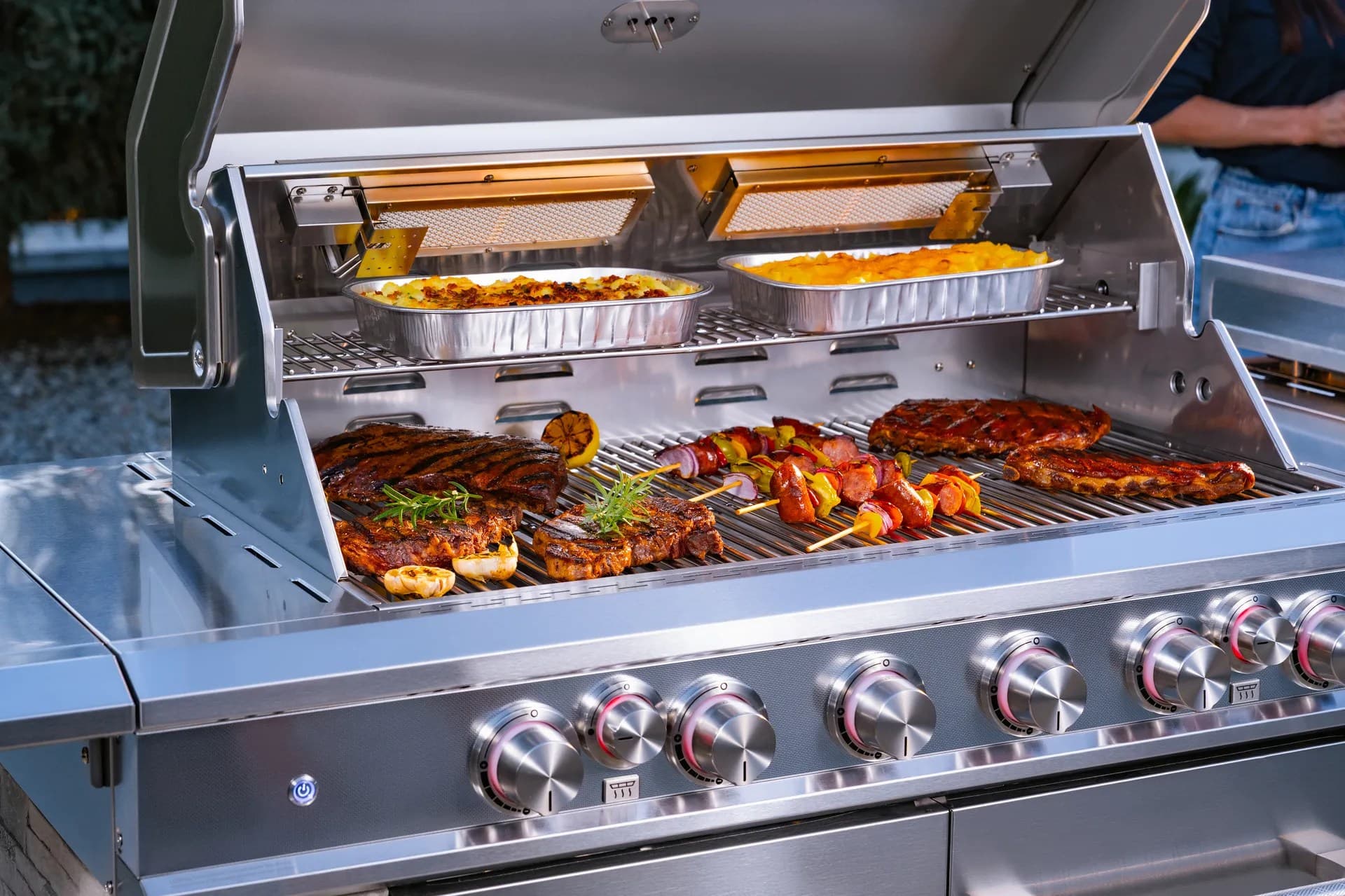
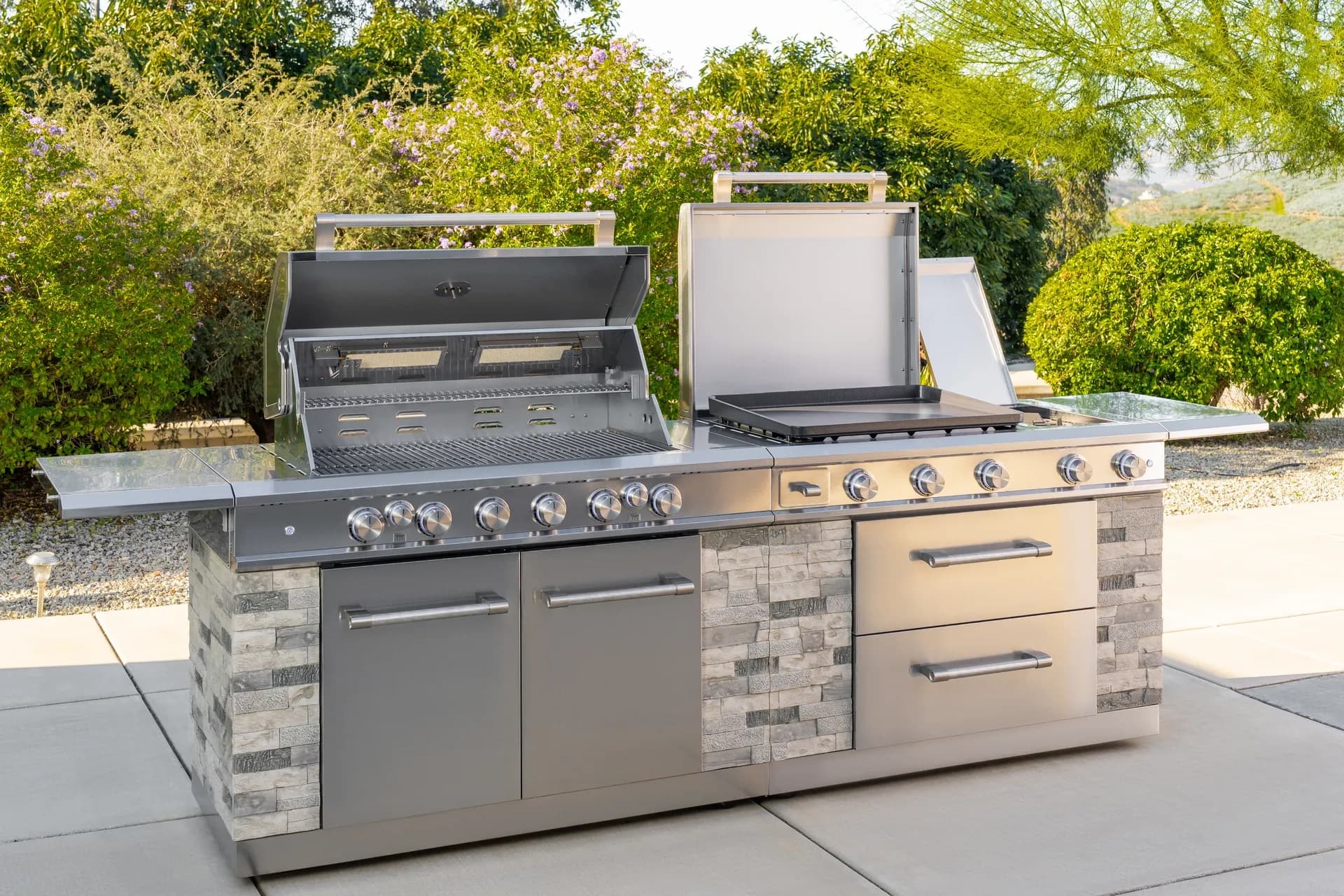
From sizzling breakfasts to smash burgers and teppanyaki-style dinners, the Daytona Pro 5 Burner NitroGuard™ Griddle delivers powerful heat, fast cooking, and a durable cooking surface built for every backyard cookout. Watch how easy outdoor cooking can be.
Here's what sets us apart from the competition
We position ourselves as delivering high-end outdoor cooking features and performance without premium-brand pricing, emphasizing “Quality Grills. Unbelievable Value.”
We offer gas grills, pellet grills, griddles, smokers, pizza ovens, portable/tabletop grills, electric grills, accessories, and replacement parts — allowing customers to stay within one ecosystem for all outdoor cooking needs.
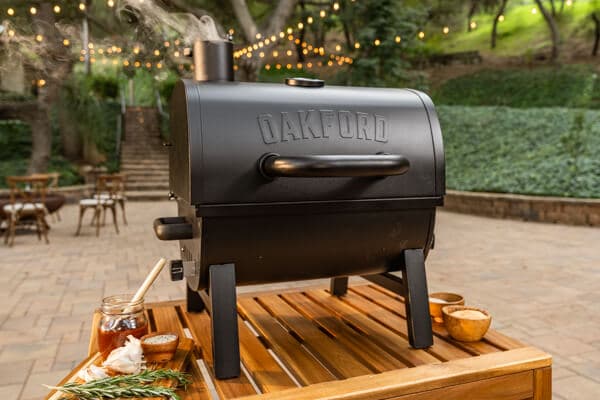
We differentiate ourselves through smart grilling products like the Oakford smart pellet grill, including app-connected cooking controls and modern outdoor cooking technology.
Expert tips, buying guides, comparisons, and inspiration for choosing and getting the most out of your grill.
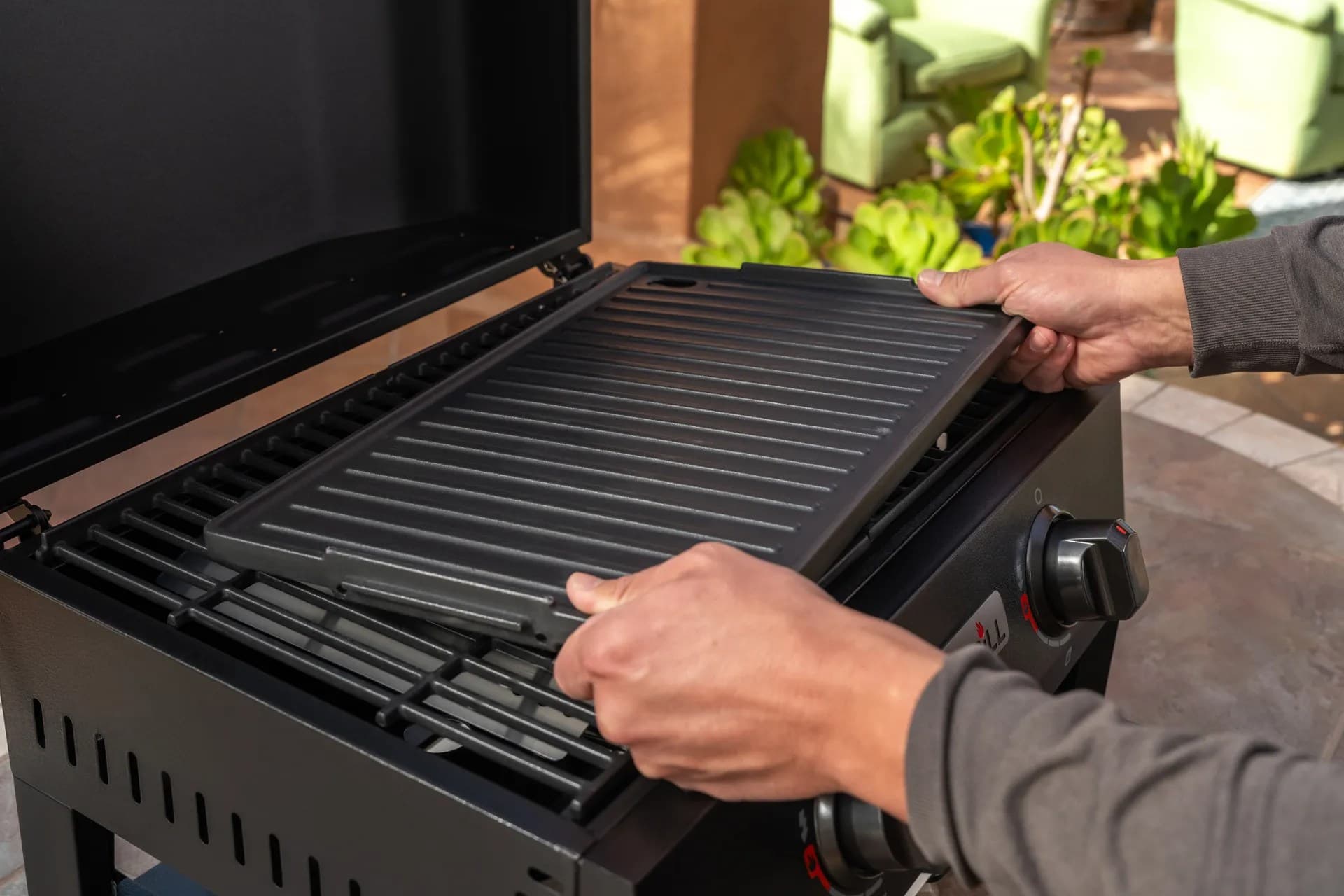
Practical guides for cleaning, maintenance, common grill issues, and performance optimization.
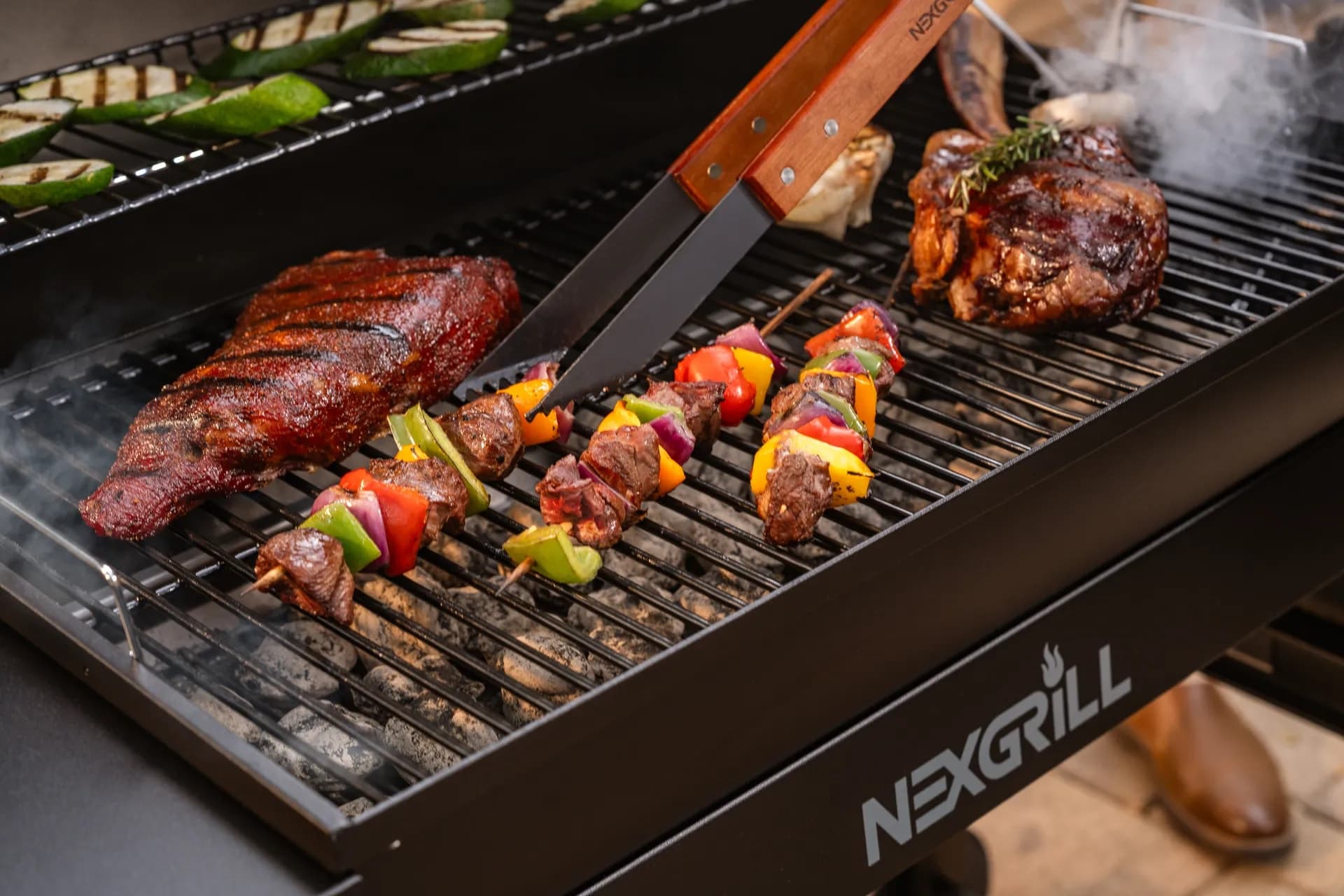
Step-by-step grilling recipes, cooking techniques, and meal ideas for every occasion and skill level.

Backyard entertaining ideas, seasonal grilling inspiration, and stories that celebrate outdoor cooking culture.
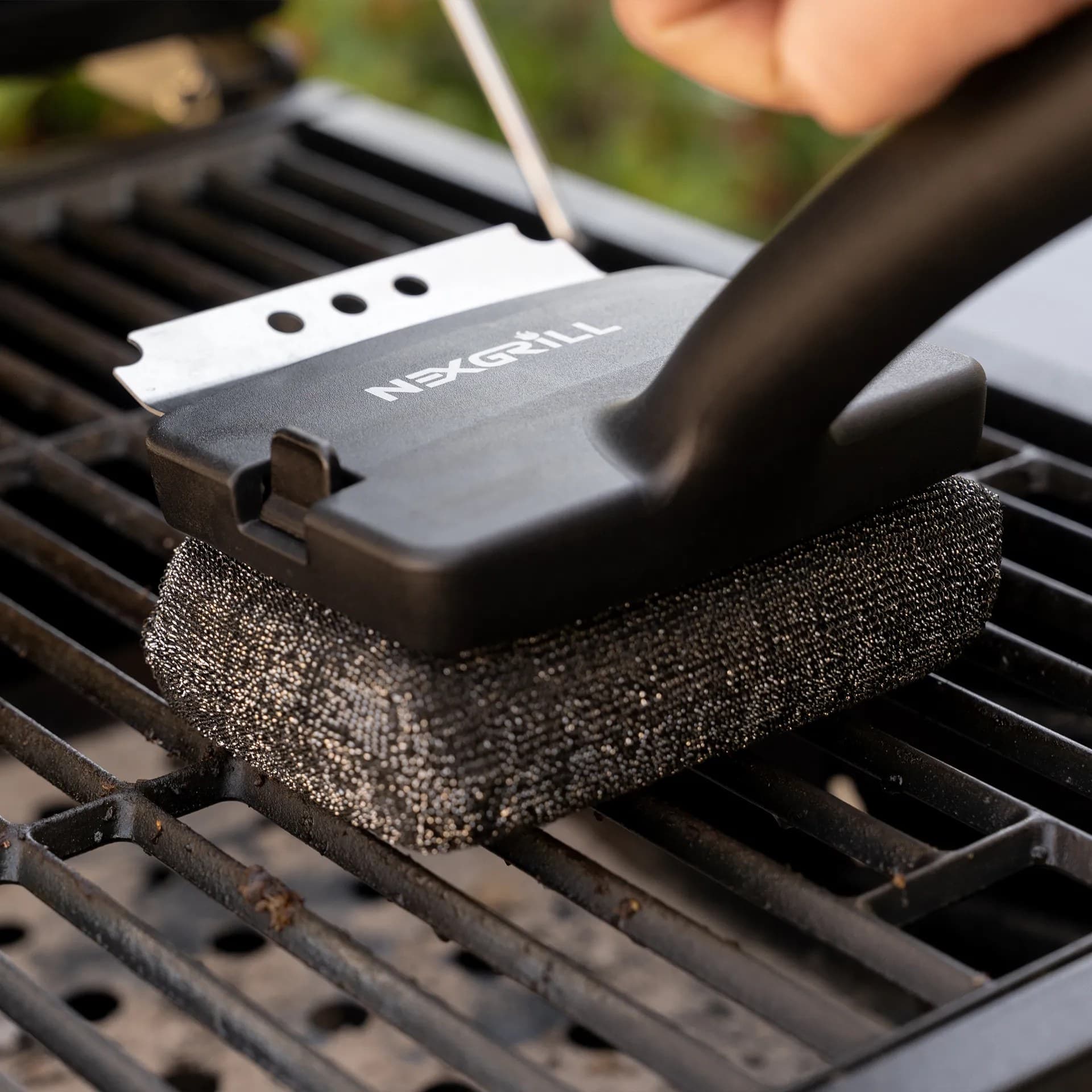
Helpful articles covering grilling tools, cookware, maintenance gear, and must-have accessories for outdoor cooking.
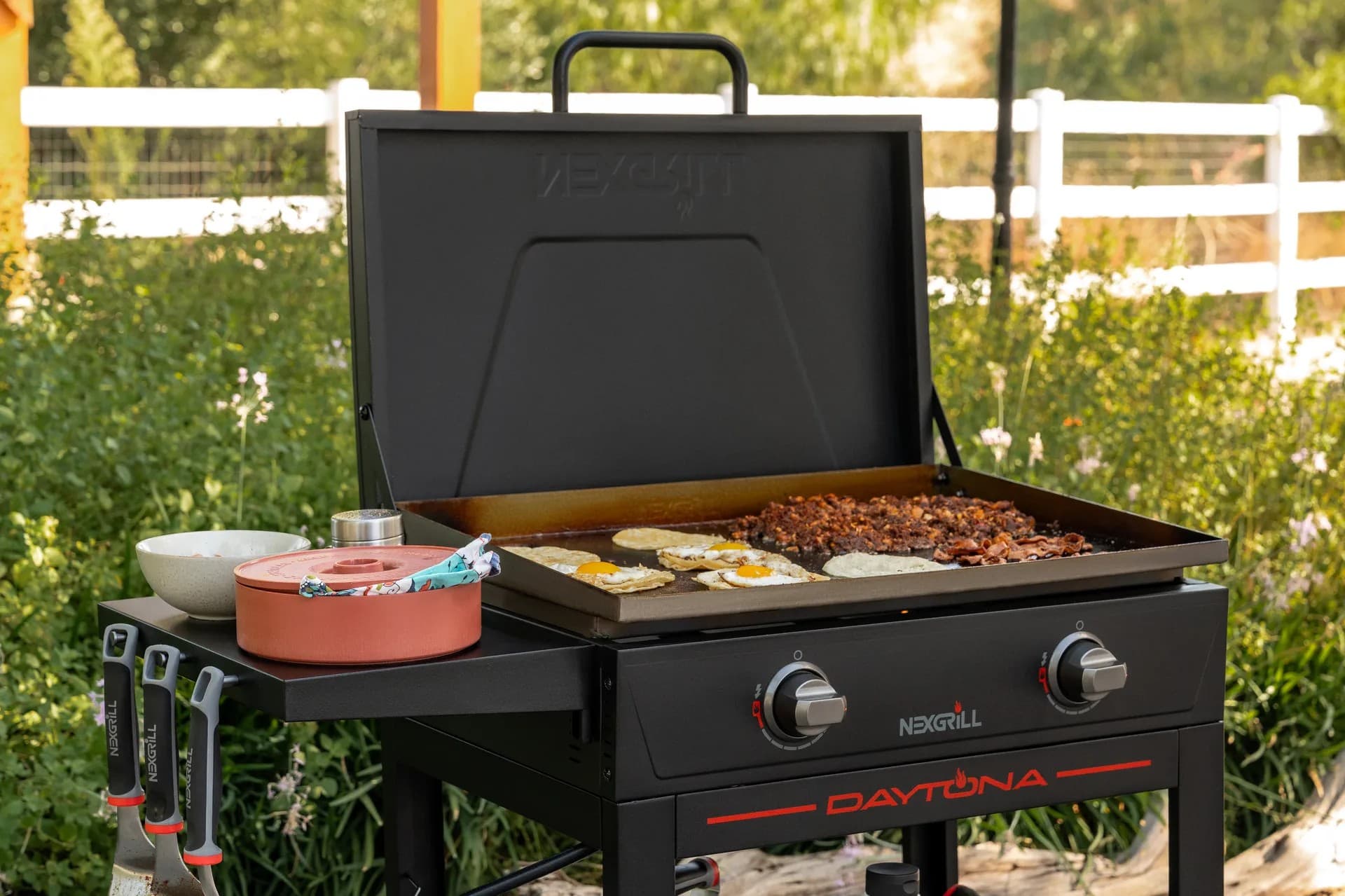
Find griddle recipes, cooking techniques, cleaning tips, and outdoor meal ideas designed for Nexgrill griddles.
Find answers to common questions
Gas grills provide instant heat and precise temperature control, making them easier to use. Charcoal grills offer a smoky flavor and high heat for searing but require more time to heat up and manage.
Pellet grills combine the convenience of gas with the flavor of wood, allowing for smoking, baking, and grilling. Traditional gas grills, however, are quicker to start and often easier to clean.
Charcoal grills typically reach higher temperatures quicker than gas grills, making them better for searing meat. However, high-quality gas grills can also provide adequate heat for effective searing.
Nexgrill offers models designed specifically for gas, charcoal, and pellets, allowing users to choose based on their cooking style and flavor preferences. Each type is built to optimize the characteristics of its respective fuel.
Choosing between gas and charcoal grills depends on your cooking preferences and lifestyle. If you value convenience and quick cooking, a gas grill may suit you better; if you prefer the taste and experience of traditional grilling, a charcoal grill would be ideal.
In This Article
Remote Control Convenience
Guided Cooking Made Easy
Temperature Precision
The most reliable smart-grill-apps experience starts before you ever press a button. If the app is set up carefully, you get fewer disconnects, clearer temperature readings, and a smoother cooking session when the food is actually on the grate. Start with the basics: confirm your grill model supports the app you plan to use, download the current version from the correct app store, and place your phone close to the grill for the first pairing. That may sound simple, but first-time setup is where many cooks lose time because they skip the boring steps that make the entire system stable.
A smart grill app usually depends on three things working together: the grill’s built-in controller, your home network or direct wireless connection, and your mobile device. If any one of those is weak, the app may still open, but the user experience becomes frustrating. In a typical U.S. backyard setup, the best first move is to update your phone’s operating system, make sure Bluetooth and Wi-Fi permissions are enabled, and temporarily disable settings that can interfere with discovery mode, such as aggressive battery optimization. Then power on the grill, follow the pairing prompt, and wait for the app to confirm it sees the controller before you walk away.
Pair close to the grill, then test range after setup
Info: Most pairing problems are not app failures. They are usually caused by signal strength, incorrect permissions, or a controller that needs a firmware update before it can communicate cleanly.
Once the app recognizes the grill, create a naming system that makes sense for your household. For example, if you own more than one outdoor cooker, label them by location or use case, such as Patio Grill, Side Deck Griddle, or Pellet Smoker. That small habit saves time later when you are checking temperatures or running multiple cooks in the same evening. It also helps when several people in the home use the same app account and need to know which device belongs to which cooking zone. If the app allows user profiles or multiple device linking, set those up immediately instead of waiting until you are halfway through a brisket or chicken dinner.
For a first-time test, choose a short cook. Reheat burgers, reverse-sear steaks, or roast vegetables rather than launching into an overnight smoke. Short sessions give you a chance to verify the most important functions: probe readings, notification timing, fan or burner adjustments, and connection stability when you move around the house. Try checking the app from inside the kitchen, then from a few rooms away, then from the yard. The goal is not just to connect once; the goal is to understand how the system behaves in the real spaces where you actually cook.
The real value of smart-grill-apps is not novelty; it is control. Remote monitoring lets you keep an eye on temperatures without hovering over the lid every few minutes, and that changes how you plan a meal. Instead of camping by the firebox, you can prep sides, welcome guests, or handle last-minute tasks while still seeing whether the cook is holding steady. The best apps make temperature data readable at a glance, with clear probe labels and simple graphs that show whether the heat is rising, flattening, or drifting.
Recipe guidance is another major feature, but it helps most when it is practical rather than flashy. Guided cooking modes should tell you what to set, when to insert probes, when to flip food, and when to rest it. That is especially helpful for newer grillers who want confidence without memorizing every temperature target. For experienced cooks, the same feature can act like a second set of eyes for repeatable results. If you cook tri-tip, chicken thighs, or ribs often, having saved presets means you can standardize your process instead of rebuilding it each time.
Notification quality matters more than most buyers expect. A good smart grill app should send alerts when a food temperature target is reached, when the lid stays open too long, or when the grill falls outside a chosen range. Some apps also support multiple probes, which is useful when you are cooking a brisket and a pork shoulder at the same time, or when you want to monitor both the main protein and a finishing piece of fish. In practice, this kind of feature reduces guesswork and helps you make better decisions about wrapping, resting, and serving.
| Feature | Why it matters | Best practical use |
|---|---|---|
| Remote temperature monitoring | Lets you leave the grill area without losing visibility | Long cooks, busy gatherings, weeknight dinners |
| Guided recipes | Reduces uncertainty for timing and target temps | New users, repeatable family favorites |
| Multi-probe support | Tracks different cuts or zones at once | Large gatherings, mixed menus |
| Custom alerts | Keeps you focused on the right moment to act | Smoking, roasting, and overnight cooks |
Tip: Prioritize apps that present temperatures in plain language and clear charts. If you can understand the status in two seconds, you are more likely to use it during an active cook.
To get the most from a smart grill app, treat it like part of your cooking workflow instead of a gadget you only open after something goes wrong. Start by building a repeatable process. Before the cook, set your target doneness, prep your ingredients, and place probes where the app’s guidance recommends. During the cook, check the temperature trend rather than obsessing over every small change. After the cook, review the session history if the app stores it. That history is useful because it shows where your process stayed stable and where you lost heat or overcorrected.
Use the app’s alerts to protect your attention, not replace your judgment. For example, if you are smoking chicken on a Saturday afternoon while friends are visiting, the app can tell you when the internal temperature is approaching the finish line, but you still decide whether the skin needs a few extra minutes of crisping. That is the sweet spot for smart grilling: the app handles monitoring while you handle flavor, timing, and presentation. If the app offers cook logs or saved sessions, name them by food and method, such as 225-degree chicken thighs or reverse-seared ribeyes, so you can compare future cooks against a real reference point.
Another way to improve results is to use the app for planning, not just tracking. If you know your smart grill takes time to stabilize, preheat earlier than you think you need to. If you are hosting in the U.S. during a summer holiday, build a buffer into the schedule so guests are not waiting while you chase temperatures. A smart grill app is most helpful when you use it to create calm. It reduces the need to stand over the grill, guess, and open the lid too often. Less lid lifting usually means fewer temperature swings and more consistent results, especially on long cooks.
Warning: Do not rely on the app alone for food safety. Always verify that your probe is placed correctly and that you are cooking to the proper internal temperature for the specific food.
As you get comfortable, create a personal playbook for your favorite foods. Use the app to compare cooks on similar cuts, note how weather affected heat retention, and record which settings produced the best bark, sear, or tenderness. That kind of habit turns the app from a convenience feature into a real cooking tool. Try comparing two products side by side below to see which fits best:
Once you’ve weighed two options against each other, the next step is avoiding the mistakes that make smart-grill-apps feel less helpful than they really are. The most common issue is assuming the app can compensate for a weak setup. If the grill sits at the edge of your Wi-Fi range, if your phone is running several aggressive background restrictions, or if the firmware is outdated, the app may appear inconsistent even though the core problem is infrastructure. Many cooks blame the interface when the true fix is to strengthen the connection and simplify the setup.
A second mistake is over-checking the app. It is tempting to refresh the screen constantly, but that habit can make you second-guess good cooking progress. If the temperature is climbing normally, let the system work. Repeatedly opening the lid or forcing manual adjustments because the number moves by a degree or two can disturb the cook more than the grill itself. Smart grilling works best when you trust the trend line, not just the current snapshot. That is particularly important for long-format cooks like pork shoulder, where small shifts are normal and expected.
Another frequent error is ignoring probe placement. The app may be accurate, but only if the probe is inserted in the right part of the meat and not touching bone, fat pockets, or the cooking surface. People sometimes assume a temperature alarm is “wrong” when the placement was the real problem. The same goes for calibration; if your app or controller supports probe checks, use them before you cook something expensive. A five-minute verification step can prevent a ruined dinner and give you confidence in the numbers you see.
| Mistake | What it causes | Better approach |
|---|---|---|
| Weak initial pairing | Dropouts and slow responses | Pair close to the grill and test range afterward |
| Wrong probe placement | Inaccurate food readings | Insert probes in the thickest part away from bone |
| Constant app checking | Unnecessary lid opening and interruptions | Watch trends and only intervene when needed |
| Skipping updates | Feature bugs and unstable syncing | Update app and firmware before major cooks |
If you want the app to feel natural in daily life, integrate it into your routine before the first big cook. Put the phone charger somewhere convenient, keep your grill tools together, and decide who will monitor the app if you are cooking for a group. In a family backyard setting, one person can prep sides while another keeps an eye on the temperature timeline. That division of labor keeps the cook relaxed and makes the app function like part of the team rather than a distraction.
It also helps to prepare for connection changes. If you move between the house and yard often, test how the app behaves when your phone switches from Wi-Fi to cellular data or when you step into a dead zone. Knowing those limits ahead of time prevents surprises during a dinner party. For especially long cooks, keep the grill lid closed as much as possible, and use the app to time your checks. If the app supports exportable logs or session summaries, save them after a successful cook so you can reuse the same settings next time.
A good integration strategy is to pair the app with a simple cook routine: preheat, verify probes, set alerts, move to side prep, then return only when the app gives you a meaningful signal. That rhythm keeps the process calm and efficient. It also makes the app useful for guests, because the person cooking can stay present instead of disappearing into constant temperature checks. For households that entertain often, that balance is the real payoff of smart grilling: better food, less stress, and more time around the table.
Info: Seamless app use comes from routine, not constant menu diving. The faster your setup becomes automatic, the more useful the app will feel on busy nights.
The next phase of smart grilling is likely to be less about novelty and more about decision support. App experiences are moving toward cleaner interfaces, smarter alerts, and better integration across devices, so a cook can start on a phone and check status on a tablet or other connected screen without losing the thread. The best versions will probably use more cooking history to suggest patterns, such as how long a particular cut usually takes in humid weather or how much target temperatures drift when the lid is opened repeatedly.
Expect future tools to become more scenario-driven. Instead of simply showing a temperature, they will likely help users make the next decision: when to wrap, when to rest, when to increase heat, and when to hold. That matters because most home grillers do not need more data; they need better interpretation. If the app can translate information into practical guidance without overwhelming the user, it becomes more valuable to beginners and experienced cooks alike.
For Nexgrill readers, the exciting part is that smart technology fits naturally with the brand’s approachable, inclusive outdoor cooking philosophy. Tech should make grilling easier to share, not harder to learn. As apps improve, the focus should stay on helping real households cook confidently, whether that means a quick Tuesday-night salmon dinner or a weekend cookout for a full backyard gathering. The future of smart grilling is not about replacing the griller. It is about giving the griller better tools, better timing, and more room to enjoy the people who came to eat.
Here's what sets us apart
We position ourselves as delivering high-end outdoor cooking features and performance without premium-brand pricing, emphasizing “Quality Grills. Unbelievable Value.”
We offer gas grills, pellet grills, griddles, smokers, pizza ovens, portable/tabletop grills, electric grills, accessories, and replacement parts — allowing customers to stay within one ecosystem for all outdoor cooking needs.
We differentiate ourselves through smart grilling products like the Oakford smart pellet grill, including app-connected cooking controls and modern outdoor cooking technology.
Don't just take our word for it
Keep reading
From our catalog