Discover how Bluetooth connectivity enhances your outdoor cooking.
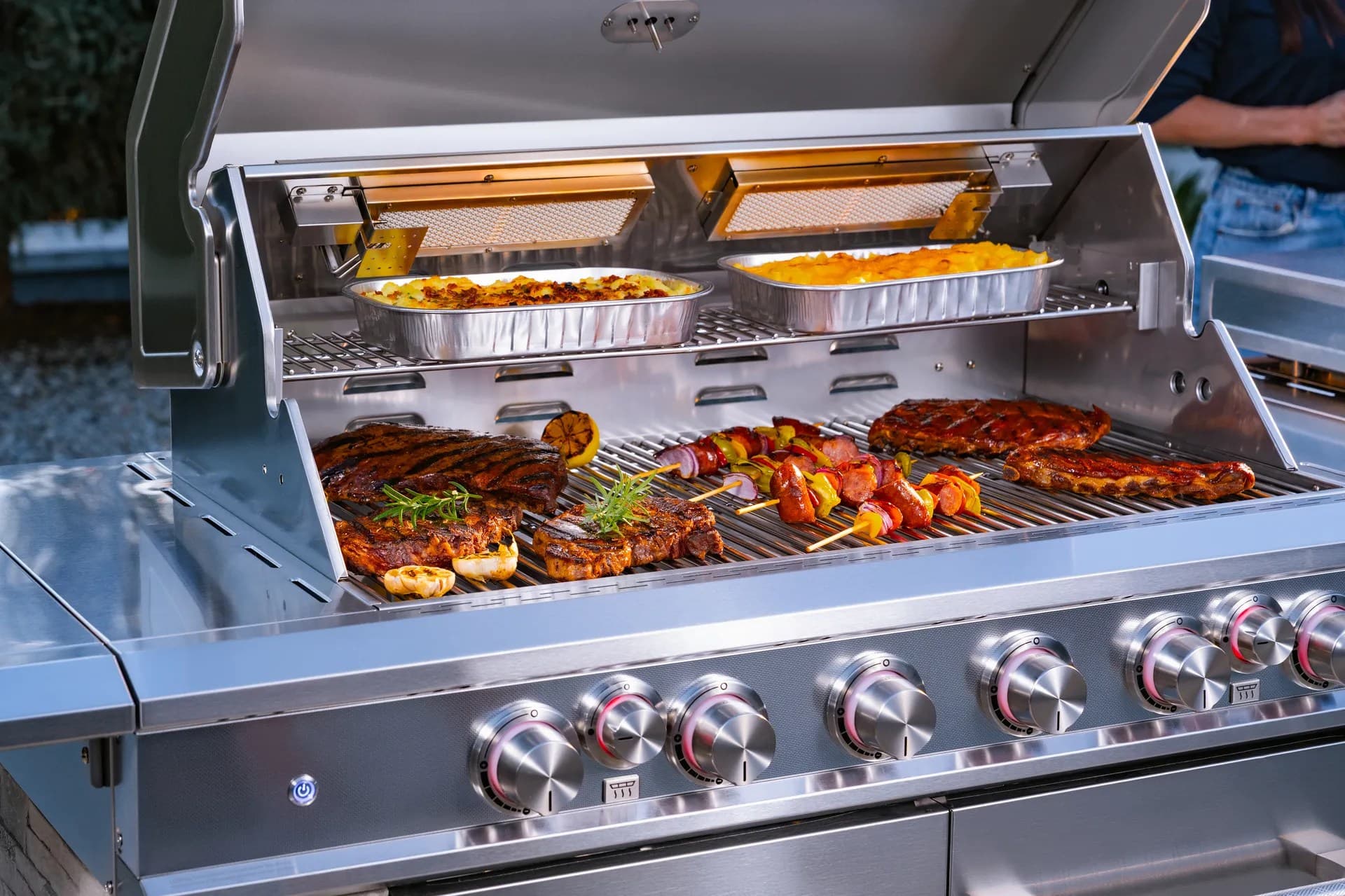
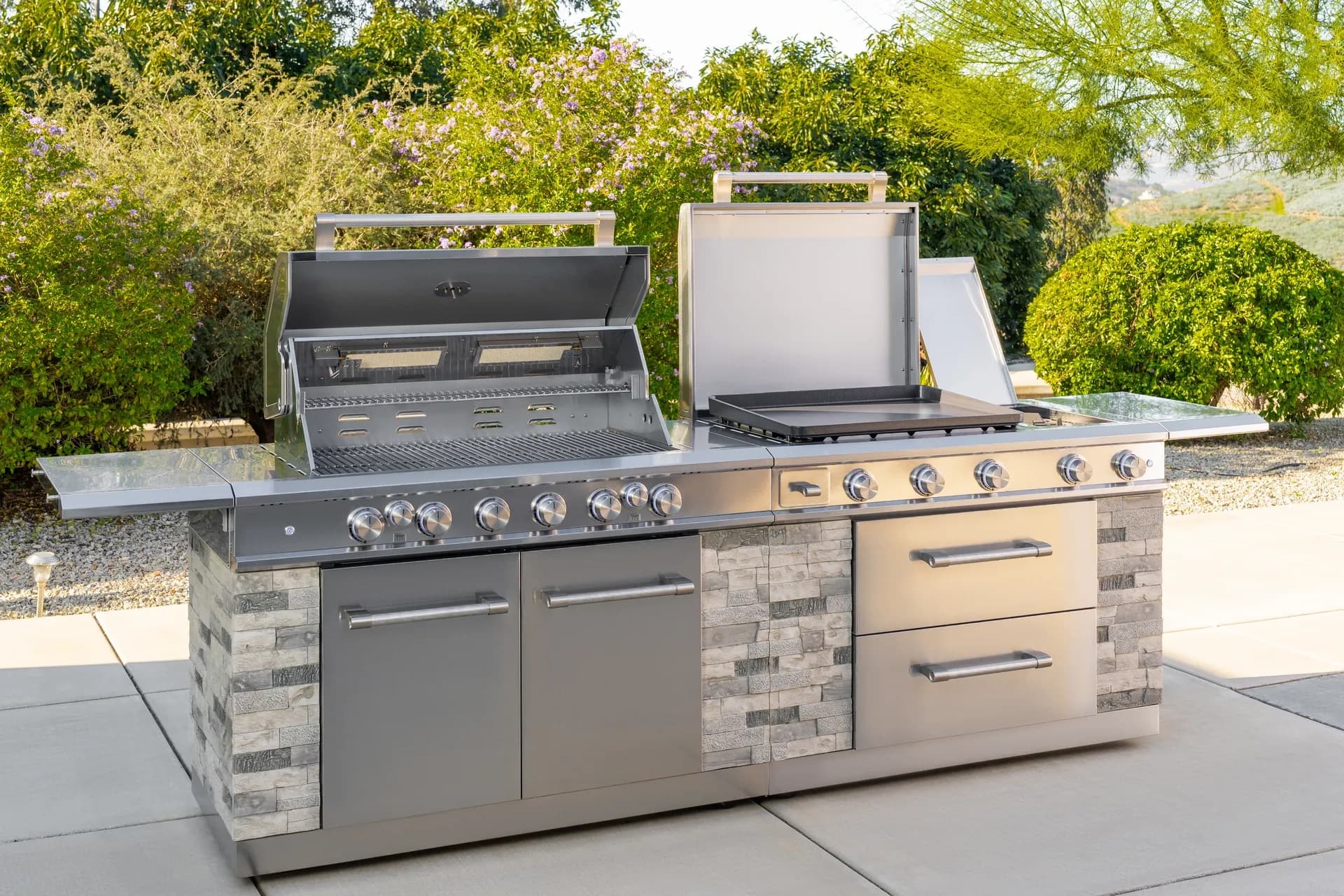
From sizzling breakfasts to smash burgers and teppanyaki-style dinners, the Daytona Pro 5 Burner NitroGuard™ Griddle delivers powerful heat, fast cooking, and a durable cooking surface built for every backyard cookout. Watch how easy outdoor cooking can be.
Here's what sets us apart from the competition
We position ourselves as delivering high-end outdoor cooking features and performance without premium-brand pricing, emphasizing “Quality Grills. Unbelievable Value.”
We offer gas grills, pellet grills, griddles, smokers, pizza ovens, portable/tabletop grills, electric grills, accessories, and replacement parts — allowing customers to stay within one ecosystem for all outdoor cooking needs.
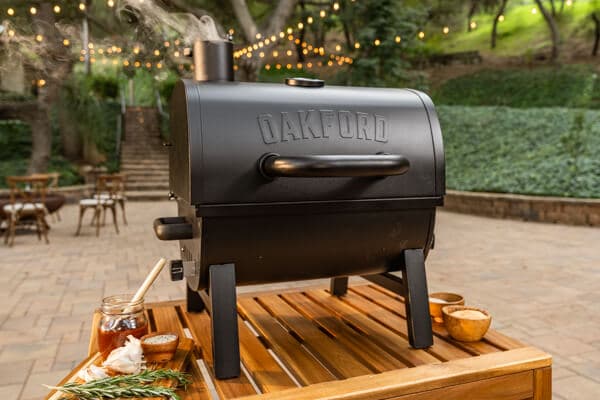
We differentiate ourselves through smart grilling products like the Oakford smart pellet grill, including app-connected cooking controls and modern outdoor cooking technology.
Expert tips, buying guides, comparisons, and inspiration for choosing and getting the most out of your grill.
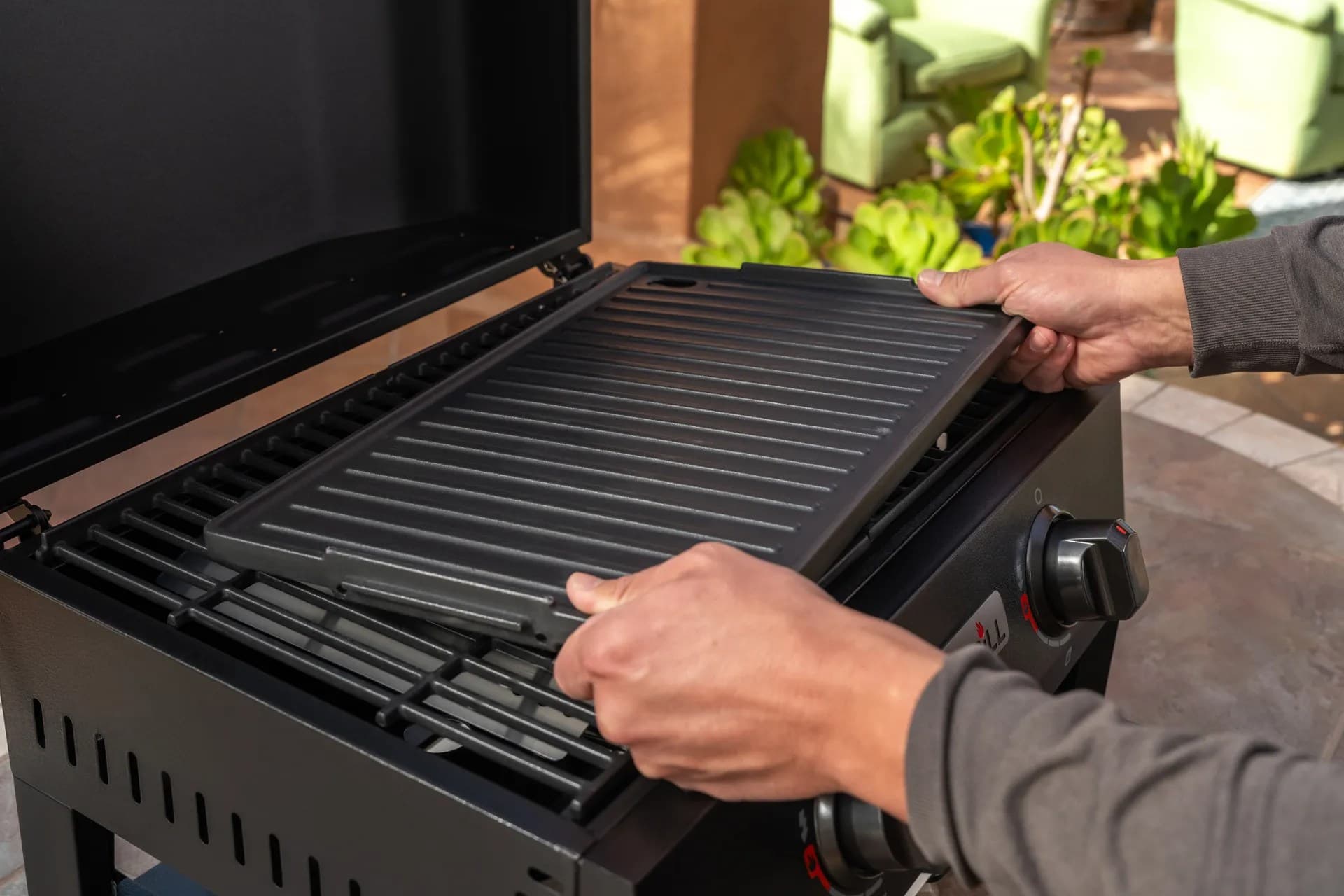
Practical guides for cleaning, maintenance, common grill issues, and performance optimization.
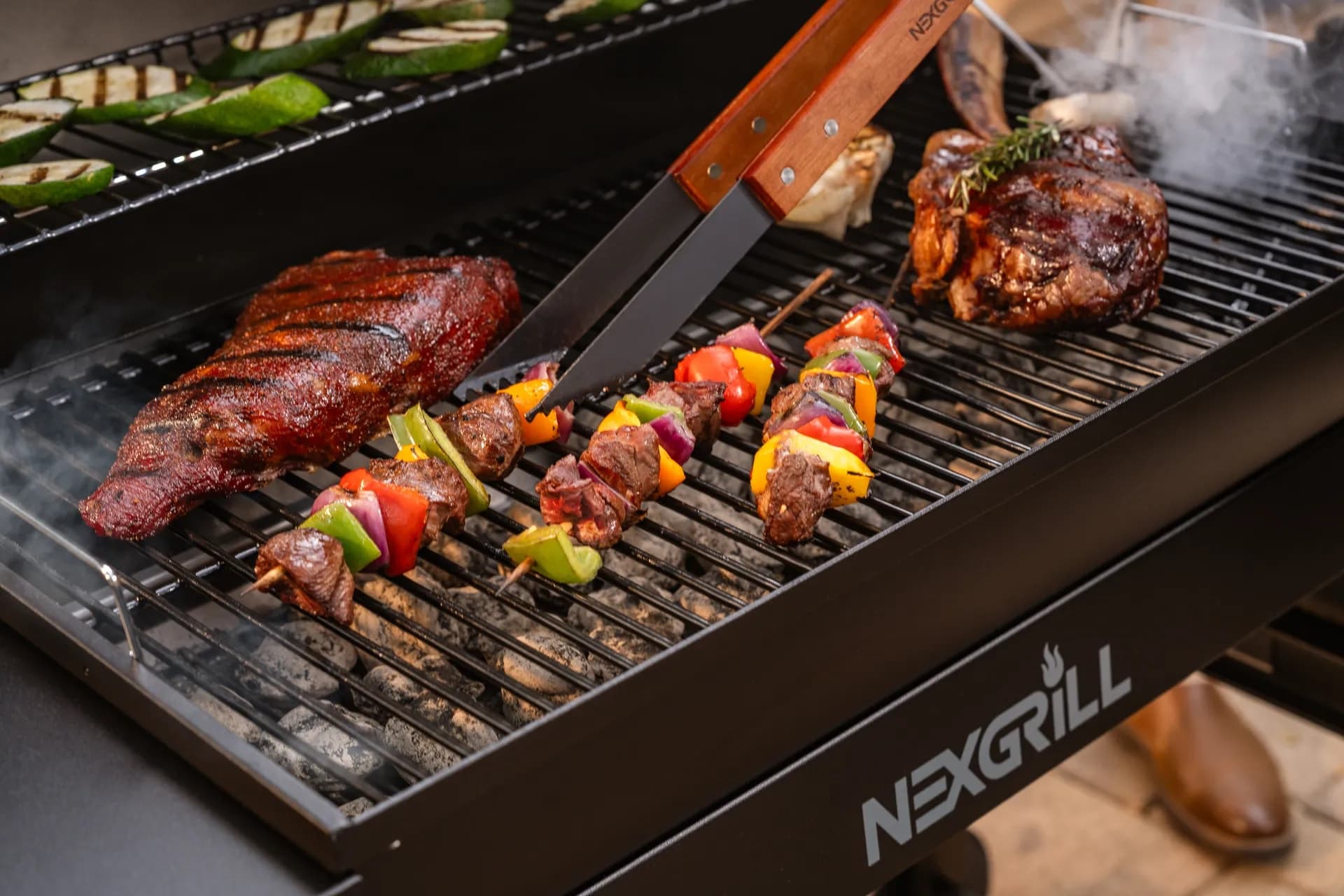
Step-by-step grilling recipes, cooking techniques, and meal ideas for every occasion and skill level.

Backyard entertaining ideas, seasonal grilling inspiration, and stories that celebrate outdoor cooking culture.
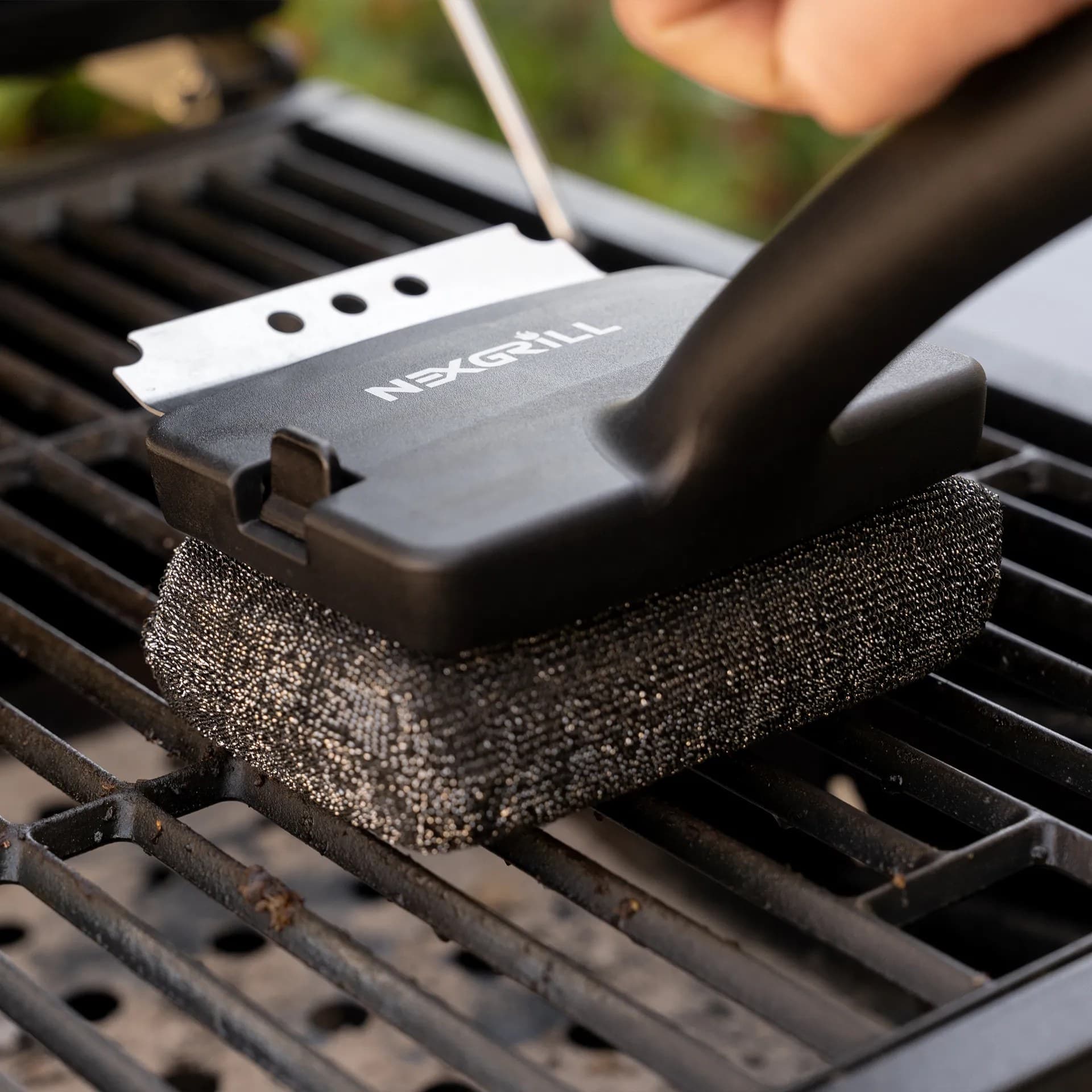
Helpful articles covering grilling tools, cookware, maintenance gear, and must-have accessories for outdoor cooking.
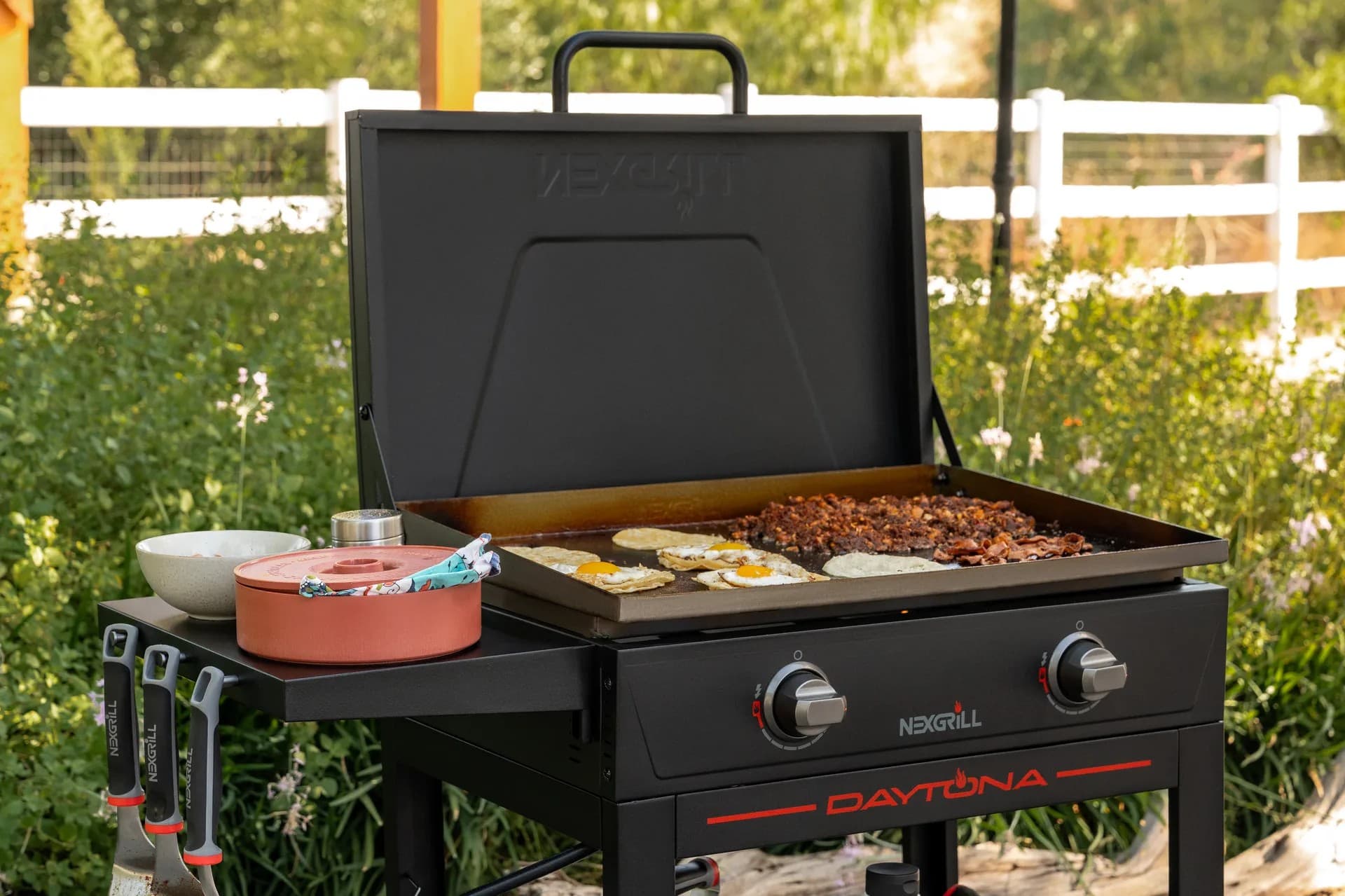
Find griddle recipes, cooking techniques, cleaning tips, and outdoor meal ideas designed for Nexgrill griddles.
Find answers to common questions
Gas grills provide instant heat and precise temperature control, making them easier to use. Charcoal grills offer a smoky flavor and high heat for searing but require more time to heat up and manage.
Pellet grills combine the convenience of gas with the flavor of wood, allowing for smoking, baking, and grilling. Traditional gas grills, however, are quicker to start and often easier to clean.
Charcoal grills typically reach higher temperatures quicker than gas grills, making them better for searing meat. However, high-quality gas grills can also provide adequate heat for effective searing.
Nexgrill offers models designed specifically for gas, charcoal, and pellets, allowing users to choose based on their cooking style and flavor preferences. Each type is built to optimize the characteristics of its respective fuel.
Choosing between gas and charcoal grills depends on your cooking preferences and lifestyle. If you value convenience and quick cooking, a gas grill may suit you better; if you prefer the taste and experience of traditional grilling, a charcoal grill would be ideal.
In This Article
Remote Monitoring
Alerts and Notifications
Convenience and Multitasking
Bluetooth changes the way many people use a grill because it reduces the number of times you need to hover directly over the cooking surface. Instead of opening the lid every few minutes or guessing whether a roast has settled into the right temperature range, you can pair a phone or tablet with a Bluetooth-enabled thermometer or grill accessory and keep an eye on the cook from a short distance away. For weeknight cooks, that means you can finish side dishes inside without losing track of the main course. For weekend hosts, it means you can stay in the conversation instead of being tied to the patio. The real benefit is not novelty; it is control. Bluetooth gives you a better picture of what is happening inside the grill, which helps you make smaller corrections before a small temperature swing turns into overcooked food.
The best way to think about Bluetooth grill benefits is as a monitoring layer, not a substitute for good technique. You still need to preheat properly, arrange food by heat zone, and understand when to use direct or indirect cooking. Bluetooth simply makes it easier to observe the cook without interrupting it. That matters most with foods that punish impatience: chicken thighs that need to reach a safe internal temperature without drying out, thick pork chops that benefit from a steady climb, or a brisket point that stays on the grill for hours and needs a stable environment. In practical terms, Bluetooth helps you protect the food you are already cooking well, because you can react to changes faster and with more confidence.
Tip: Bluetooth is most useful when you want short-range convenience. If you routinely step inside, prep sides, or entertain in the yard, it keeps you connected without making grilling feel like a full-time job.
A practical setup also fits Nexgrill’s brand philosophy of making grilling more approachable for both beginners and experienced cooks. Nexgrill’s guidance emphasizes welcoming, real-world outdoor cooking for people of different skill levels, and Bluetooth fits that mindset because it lowers the friction between “I want to grill” and “I am comfortable managing the cook.” If you are using Bluetooth with a gas grill, pellet grill, or a stand-alone thermometer, the goal is the same: get dependable readouts, reduce unnecessary lid lifting, and spend more time cooking with intention rather than reacting late.
A clean setup matters more than people expect. First, confirm that the grill or accessory is charged, powered, or fitted with fresh batteries if the device requires them. Then install the companion app on your phone before you even go outside. It is much easier to sign in, allow notifications, and learn the layout while you are connected to home Wi-Fi than while you are standing beside a hot grill with food already on the grates. Once the app is ready, pair the device by following the manufacturer’s Bluetooth instructions carefully. Most pairing issues are simple distance problems, so keep the phone near the grill during the first connection and avoid placing metal barriers between the two devices.
After pairing, confirm each probe or sensor is reading correctly by checking the starting temperature at room temperature. If one probe shows an obvious outlier, re-seat it and test again before cooking begins. This is especially important for multi-probe setups because a single sensor inserted too shallowly can make a perfectly good cook look like it is running hot or cold. Once you trust the numbers, place the probes in the thickest part of the meat without touching bone, fat pockets, or the cooking grate. That placement detail is where many first-time users go wrong, and it is one of the biggest reasons Bluetooth cooks seem inaccurate when the issue is actually probe placement.
Pair close to the grill, not across the yard
A simple pre-cook routine helps keep Bluetooth useful instead of distracting. Create your temperature target before you start, set alerts for both target heat and a buffer warning, and decide what action you will take when the app notifies you. For example, if you are cooking chicken breasts and your target is nearly reached, you might reduce heat slightly or move the meat to a cooler zone. If you are smoking a roast, you might keep the lid closed and wait for the next milestone. This kind of decision tree prevents the common mistake of checking the app constantly without using the data to guide an action.
| Setup step | Why it matters | What can go wrong |
|---|---|---|
| Charge or power the device | Prevents dropouts during the cook | Battery loss can stop alerts mid-session |
| Pair at close range | Improves connection stability | Metal cabinets or distance can interrupt pairing |
| Check probe placement | Improves accuracy | Wrong placement gives misleading readings |
| Set alerts before cooking | Reduces guesswork | Late setup makes the cook harder to manage |
Bluetooth thermometers and smart grill accessories are often discussed alongside Wi-Fi tools, and that comparison is helpful because it clarifies the job each technology does best. Bluetooth is usually the more hands-on, close-range option: easier to set up, more direct, and often ideal when you are staying near home. Industry guides on smart grilling regularly note that Bluetooth is favored for simpler short-range monitoring, while Wi-Fi is better when you need a broader connection range. That distinction matters because the best Bluetooth setup is the one you will actually use on a normal Saturday, not just the one that looks impressive on the box.
The first mistake is assuming Bluetooth solves every grilling problem. It does not. If your fire is too hot, if your grate is dirty, or if your meat is overloaded onto one side of the cooking surface, Bluetooth will only report the consequence of a poor setup. You still need to manage airflow, fuel, and spacing. The technology is a helper, not a correction system. Another frequent mistake is treating the app alert as a command rather than a signal. A temperature warning should prompt you to check the food and grill conditions, not automatically force a change that may not fit the cut you are cooking.
A second common error is ignoring the signal path. Bluetooth is designed for nearby device communication, so range can shrink when a phone is inside the house, a grill is tucked behind brick walls, or a crowd gathers between the devices. If you want reliable readings, keep the phone in a practical location and resist the urge to test the maximum distance every cook. The same issue applies to battery life and phone settings. A Bluetooth grill that works beautifully on one weekend can become frustrating the next if notifications are disabled, the app is closed by the operating system, or the device’s battery is not topped off before dinner starts.
Warning: Don’t place probes too close to bone, the grate, or direct flame. Bad placement is one of the fastest ways to create false readings and overcook food while chasing the wrong number.
People also overuse alarms. Too many notifications create noise instead of clarity, which defeats the purpose of remote monitoring. Set only the alerts that support your actual cook: one for the key temperature milestone, another for a doneness buffer, and possibly one for an extended stall if you are smoking larger cuts. This is where Bluetooth works best in real life. It should simplify decision-making, not add another screen to check every thirty seconds. If you find yourself staring at the app more than the food, your settings are probably too busy.
Finally, do not forget that Bluetooth grilling is still a cooking skill. Technology can help you stay informed, but it cannot fix underseasoned meat, rushed preheating, or a grill that was never given time to settle into a stable heat pattern. The best results happen when Bluetooth and basic grill discipline work together. That combination is what makes the experience feel easier: fewer lid lifts, better timing, and more confidence that your meal is progressing the way you intended. Try comparing two products side by side below to see which fits best:
Once you have compared two options side by side, it becomes easier to see why Bluetooth is less about gadgets and more about timing, confidence, and control. The biggest benefit is remote visibility. When the app shows live readings from a short distance away, you are less likely to lose heat through unnecessary lid openings. That matters because every look inside changes the cooking environment, especially on longer cooks where steady temperature matters more than dramatic heat spikes. Bluetooth helps you protect the heat you already built, which is one reason it appeals to home cooks who want better results without adding complexity.
Another major advantage is multitasking. A Bluetooth setup lets you prep sides, tidy the patio, answer the door, or simply enjoy your guests while still keeping tabs on the cook. That convenience is especially useful in the kinds of real-world backyard situations Nexgrill is built for: family dinners, casual neighborhood get-togethers, and shared meals where the grill is part of the gathering instead of the only thing demanding attention. Nexgrill’s brand voice emphasizes approachable, communal grilling, and Bluetooth supports that by helping the cook stay part of the event rather than disappearing into the role of full-time monitor.
Info: Bluetooth is especially helpful for cooks who want a tighter feedback loop than a standalone thermometer can provide, but do not need whole-house connectivity.
Bluetooth also supports better timing decisions. Instead of guessing when to move a roast, when to rest a chop, or when to lower heat on a delicate item, you can use the temperature trend to plan the next move. That trend line is more valuable than a single static number because it shows whether the food is rising quickly, slowly, or stalling. For cooks who like to improvise, that information is powerful. For cooks who prefer structure, it removes uncertainty. In both cases, the benefit is the same: fewer surprises and more repeatable results from one cook to the next.
If you compare Bluetooth with Wi-Fi-based tools, the practical difference usually comes down to range and setup simplicity. Bluetooth often wins when you want a straightforward local connection and fast pairing, while Wi-Fi can be better for longer-distance monitoring. The smarter choice is not the technology with the longer feature list; it is the one that matches your routine. Several grilling resources recommend considering how far you typically move from the grill before deciding between Bluetooth and Wi-Fi.
Bluetooth equipment performs best when you treat it like part of a larger grilling system. Keep probes clean after each use, wipe the ports or connectors carefully if the manufacturer allows it, and inspect the cable or probe housing for damage before storing it. Heat, grease, and moisture are hard on electronics, so the best maintenance habit is quick and consistent rather than occasional and intense. If the accessory comes with a storage case, use it. If the app offers calibration or firmware updates, check them before a big cook instead of discovering problems midway through dinner.
The grill itself also needs the usual care. Clean the grates, empty grease trays, and inspect burners or heat sources before relying on the Bluetooth readings. A connected thermometer cannot correct uneven heating caused by clogged burners or a dirty cooking surface. It only tells you the temperature you are getting, which is useful only if the grill is operating properly. That is why smart grilling works best when digital monitoring and basic grill maintenance move together.
Clean probes and check batteries before every serious cook
Battery care deserves more attention than many users give it. A low battery is not just an inconvenience; it can make readings unstable or cut off alerts at the worst possible moment. Make it a habit to check charge levels when you clean the grill after the previous cook, not when food is already seasoned and ready to go. This one small routine prevents a surprising number of failures. It also helps if you keep your app permissions current so notifications are not blocked by a phone update or an overzealous power-saving setting.
| Maintenance task | Best timing | Why it helps |
|---|---|---|
| Wipe probes and sensors | After the grill cools | Reduces grease buildup and keeps readings more reliable |
| Check batteries or charge level | Before seasoning food | Prevents mid-cook alert loss |
| Inspect cable insulation | Before and after long cooks | Catches wear early |
| Update the app if needed | Before the weekend cookout | Improves stability and compatibility |
A short checklist keeps Bluetooth from becoming overcomplicated. Before you light the grill, confirm that the app is installed, notifications are enabled, and the device is paired at close range. Make sure the probe is placed in the thickest part of the food and not resting against bone or the grate. Set your target temperature and one or two alerts that actually matter to the cook. Keep your phone within normal Bluetooth range, not left behind in another room. Have a plan for what you will do when the alert goes off so the notification leads to action.
Tip: Treat Bluetooth like a prep step, not a rescue tool. The more thoughtfully you set it up before lighting the grill, the less you will need to think about it while cooking.
For a practical homeowner routine, the best checklist often looks like this: preheat the grill fully, pair the device, verify the probe reading, place the food, set a target, and then use the alert to guide your next move. That sequence works for steak, poultry, pork, and larger cuts because it keeps the focus on the cook rather than the gadget. It also fits the way many Nexgrill customers use their grills at home: flexible, social, and geared toward meals that bring people together. If you want more details on Bluetooth vs. Wi-Fi trade-offs and thermometer advantages, these grilling resources offer useful background: Smart Grills: Bluetooth vs. Wi-Fi - Which Is Better?, Bluetooth Meat Thermometers: The Advantages, and Bluetooth vs. Wi-Fi Meat Thermometers: What's Best for You?.
Here's what sets us apart
We position ourselves as delivering high-end outdoor cooking features and performance without premium-brand pricing, emphasizing “Quality Grills. Unbelievable Value.”
We offer gas grills, pellet grills, griddles, smokers, pizza ovens, portable/tabletop grills, electric grills, accessories, and replacement parts — allowing customers to stay within one ecosystem for all outdoor cooking needs.
We differentiate ourselves through smart grilling products like the Oakford smart pellet grill, including app-connected cooking controls and modern outdoor cooking technology.
Don't just take our word for it
Keep reading
From our catalog