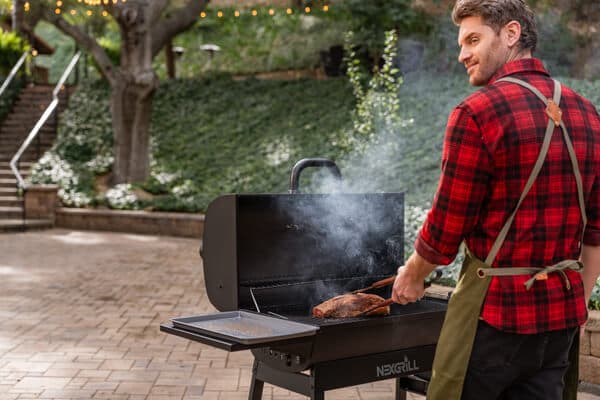
Discover the best smart grilling apps that bring convenience, precision, and flavor to your backyard cooking.

Here's what sets us apart from the competition
We position ourselves as delivering high-end outdoor cooking features and performance without premium-brand pricing, emphasizing “Quality Grills. Unbelievable Value.”
We offer gas grills, pellet grills, griddles, smokers, pizza ovens, portable/tabletop grills, electric grills, accessories, and replacement parts — allowing customers to stay within one ecosystem for all outdoor cooking needs.
We differentiate ourselves through smart grilling products like the Oakford smart pellet grill, including app-connected cooking controls and modern outdoor cooking technology.
Expert tips, buying guides, comparisons, and inspiration for choosing and getting the most out of your grill.
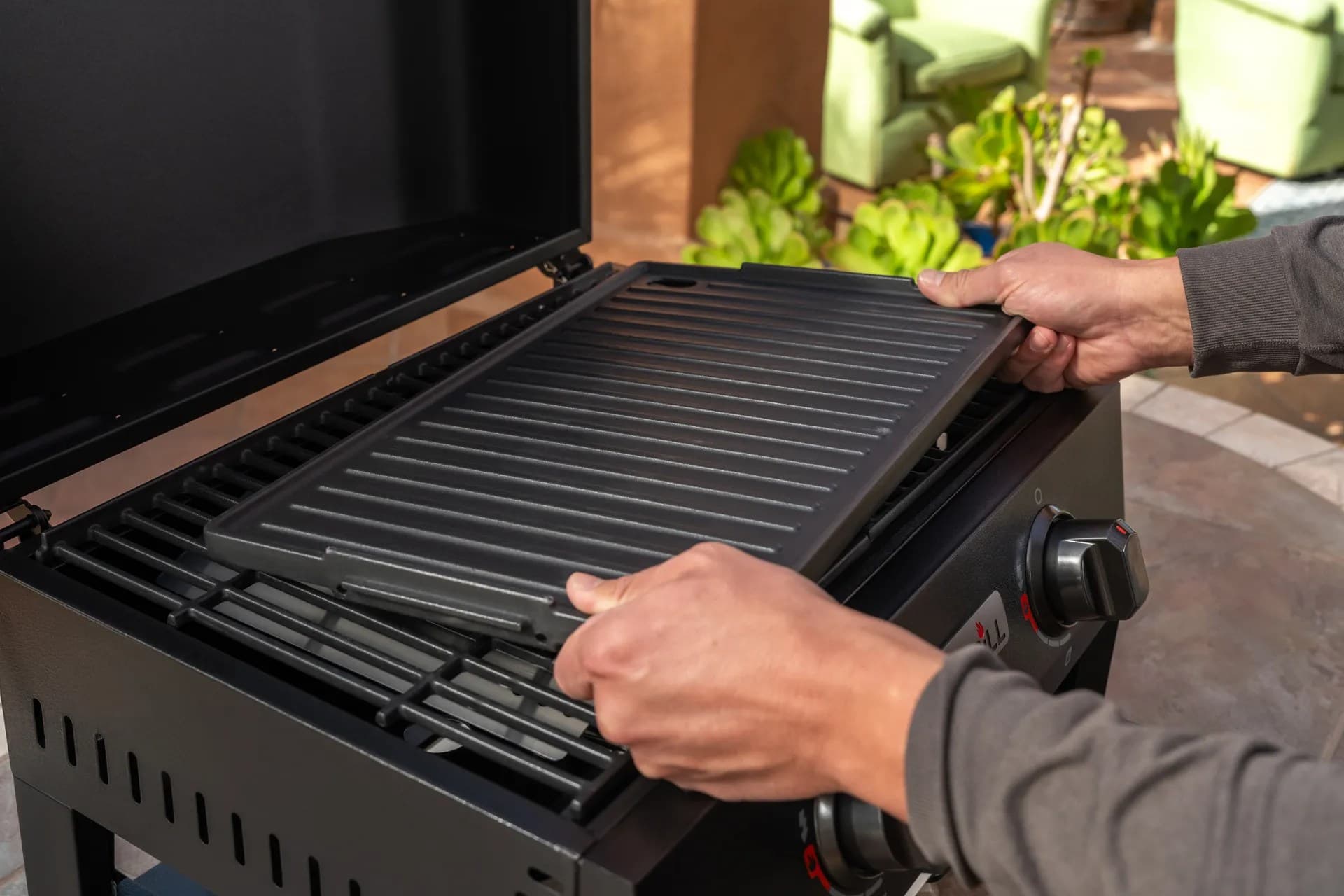
Practical guides for cleaning, maintenance, common grill issues, and performance optimization.
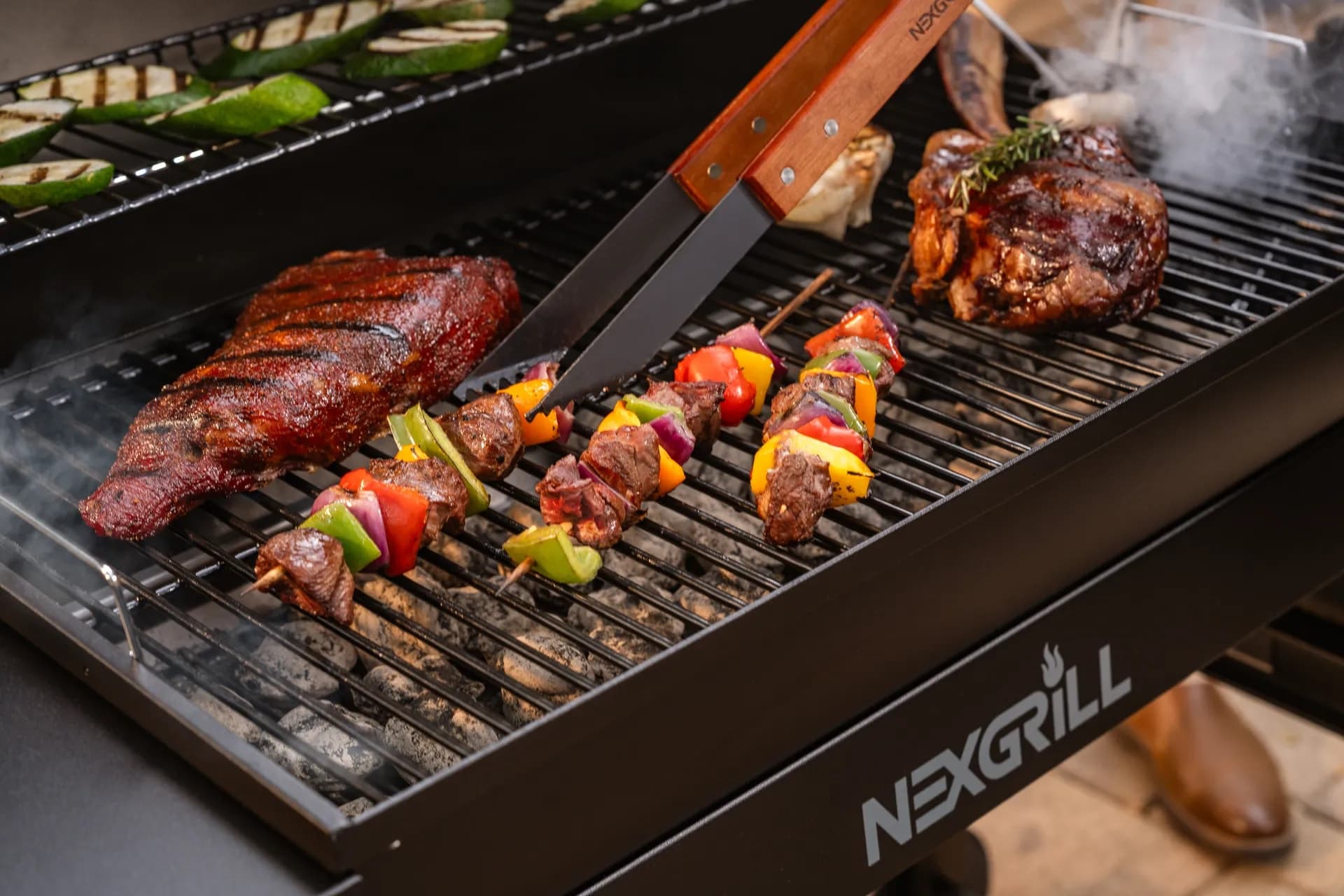
Step-by-step grilling recipes, cooking techniques, and meal ideas for every occasion and skill level.

Backyard entertaining ideas, seasonal grilling inspiration, and stories that celebrate outdoor cooking culture.
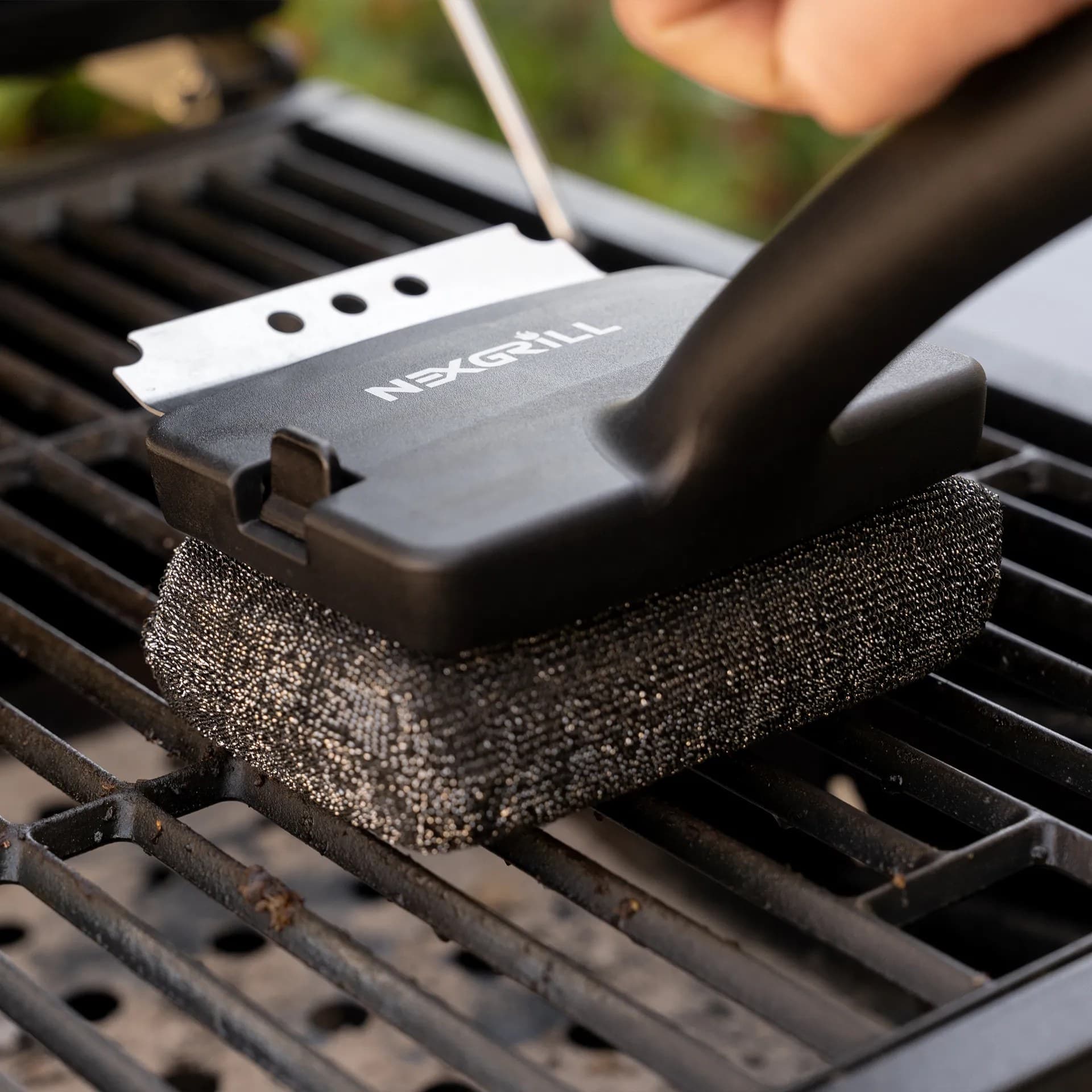
Helpful articles covering grilling tools, cookware, maintenance gear, and must-have accessories for outdoor cooking.
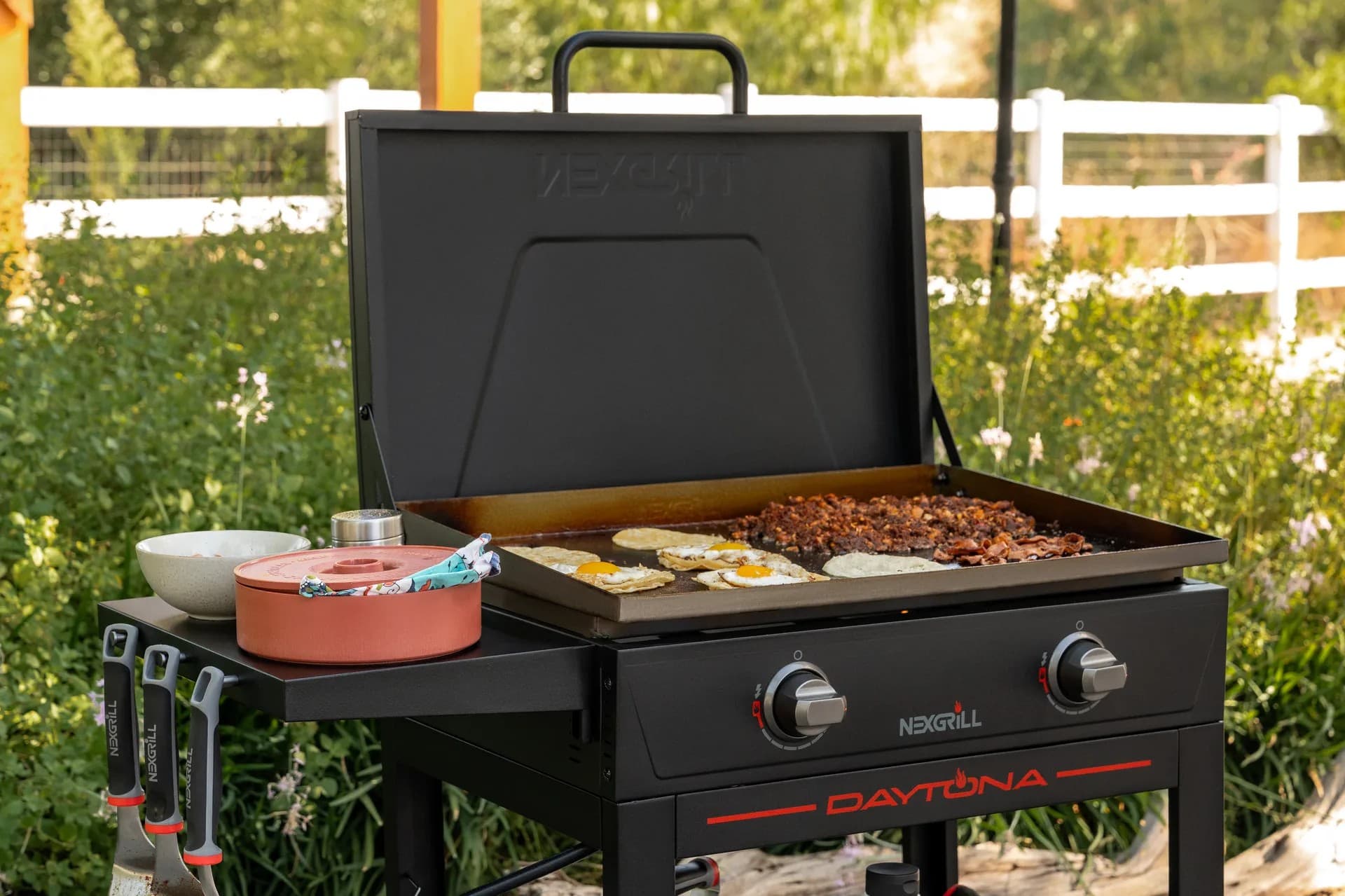
Find griddle recipes, cooking techniques, cleaning tips, and outdoor meal ideas designed for Nexgrill griddles.
Find answers to common questions
Nexgrill offers a variety of grills including gas, charcoal, and pellet grills, catering to different cooking preferences and styles.
Nexgrill is headquartered in California and serves a global market, primarily through retail partnerships such as Home Depot.
Yes, replacement parts are available for various Nexgrill products, and you can find them on the Nexgrill website or through authorized retail partners.
You can reach out to Nexgrill for support through their contact page on the website, where you will find options for phone and email inquiries.
Nexgrill products come with specific warranty terms, which can vary by product; it is recommended to check the warranty details on the product page or in the user manual.
In This Article
Weber Connect
Traeger Grills Pro 575
Recipy
Smart grilling apps have moved far beyond simple timers. In the United States, they are now part kitchen assistant, part remote thermometer dashboard, and part recipe coach. For backyard cooks, that matters because grilling rarely happens in a perfect vacuum: you are checking guests, managing side dishes, and trying not to open the lid every five minutes just to see if the ribs or chicken are on track. A good smart grilling app reduces that friction by putting temperature data, doneness targets, and cooking milestones in one place. That means you can focus on the meal instead of hovering over the grill.
For Nexgrill readers, the real appeal is not novelty. It is control. Smart grilling apps help translate grill performance into practical decisions: when to sear, when to lower heat, when to wrap, and when to rest. In the same way that Nexgrill’s brand voice emphasizes approachable, community-centered cooking, the best grilling apps make outdoor cooking feel more manageable for casual hosts and more precise for experienced pitmasters alike. That is especially useful when cooking for mixed groups - a weeknight salmon dinner for four is a very different challenge from a Saturday cookout with burgers, corn, chicken thighs, and vegetables all going at once.
A smart grilling app is most useful when it matches your grill’s hardware, not just your phone. Compatibility and sensor support matter as much as the app design.
The best smart grilling apps in 2026 usually do three things well: they monitor temperature reliably, they communicate clearly, and they make the cooking process less stressful. Some are built around a specific grill ecosystem, while others sit on top of multiple devices or add AI-assisted meal planning to the experience. That difference matters. An app with excellent recipes but weak grill integration may be fun to browse yet frustrating on cook day. Meanwhile, a focused app that gives stable probe readings and useful alerts can genuinely change how confidently you cook, especially when you are juggling multiple proteins or longer smokes.
Another reason this category has grown is the increase in outdoor cooking setups that combine convenience and versatility. A backyard cook may use a gas grill for quick weeknight meals, a pellet smoker for weekend brisket, or a griddle for breakfast and smash burgers. The smartest apps acknowledge that reality by supporting more than one style of cooking workflow. Some apps emphasize remote monitoring from the patio chair; others are built for long overnight smokes with detailed alerts and trend graphs. The right choice depends less on the hype and more on how you actually cook.
When comparing smart grilling apps, the most important features are not always the flashiest. A polished interface is helpful, but it does not rescue an app if the temperature updates lag or the notifications are vague. For most U.S. home cooks, the first feature to examine is probe and sensor accuracy. If an app is reading meat temperature incorrectly, every downstream suggestion becomes less useful. The second feature is alert quality. The best alerts are specific enough to act on - for example, a message that says a brisket is approaching the wrap stage is far more valuable than a generic “temperature reached” notice.
The next feature is recipe and guidance quality. Some apps are essentially digital thermometers with recipe cards attached, while others function more like cooking companions. If you are newer to grilling, step-by-step cook flows can be more valuable than a giant recipe library. If you already know your way around a reverse sear or a pellet smoke, you may care more about custom target temps, saved profiles, and multi-probe support. In practical terms, that means a four-probe setup is usually more useful for holiday cooking than a single-probe app, even if the app itself is visually simpler.
Do not choose an app just because it has many recipes. On busy cook days, notification clarity, probe reliability, and quick controls often matter more than content volume.
Connectivity is another major factor. Wi-Fi apps are typically better for moving around the house or stepping inside without losing visibility, while Bluetooth-based apps may be fine for short-range control but less convenient for longer sessions. A reliable app should also make it easy to see the cook history, since reviewing what happened during a brisket or pork butt session helps you improve the next one. Some platforms even store temperature graphs and suggested rest times, which are useful for identifying where a cook drifted off target.
Finally, think about ecosystem fit. Smart grilling apps are strongest when they are designed around the grill model you actually own. For example, a grill with dedicated smart features and app support can deliver a more seamless experience than a generic thermometer app paired with separate accessories. That is why model-specific support is worth checking before buying. If the app works well with the equipment but is difficult to pair or unreliable after software updates, the promise of smart grilling quickly loses value.
| Feature | Why it matters | Best for |
|---|---|---|
| Probe accuracy | Keeps doneness readings dependable | All users, especially beginners |
| Wi-Fi or long-range connectivity | Lets you monitor from inside the house | Hosts and long cooks |
| Recipe guidance | Reduces guesswork for new cooks | Beginners and families |
| Multi-probe support | Tracks multiple foods at once | Holiday meals and parties |
| Cook history and graphs | Helps improve repeat cooks | Enthusiasts and experimenters |
Among the best-known options, Weber Connect stands out for home cooks who want a clean monitoring experience paired with detailed step-by-step guidance. The app is built to work with compatible Weber devices and focuses on real-time temperature visibility, alerts, and recipe support. That makes it especially useful for cooks who want confidence more than complexity. If you are trying your first pork shoulder or want to avoid overcooking bone-in chicken, an app that tells you what is happening in plain language can be more useful than one that assumes you already know every stage of the process. Weber Connect also has a strong advantage for households that want an app that feels familiar and easy to hand off to another person at the grill.
Traeger’s smart grilling experience is tightly linked to its pellet ecosystem, and that is where it becomes interesting. The Traeger app pairs with WiFIRE-enabled grills to support remote monitoring and control, which is a significant benefit for long pellet cooks. Pellet grill owners often care about consistency across several hours, not just minute-to-minute adjustments, so the ability to check the cook from the living room or while prepping sides can be a real advantage. In practical use, that means fewer walk-backs to the patio and less stress during larger cooks such as ribs, brisket, or turkey. The app is most compelling if you already own, or plan to buy, a compatible Traeger system.
Recipy takes a different path by focusing more on AI-assisted planning than on grill hardware alone. Instead of acting only as a thermometer monitor, it helps users organize meals, suggest recipes, and build a grocery plan. That can be particularly helpful for households that treat grilling as part of the weekly dinner workflow rather than an isolated hobby. For example, if you know you want to grill chicken thighs on Thursday and vegetables on Friday, an app that helps coordinate ingredients and timing can reduce last-minute store runs. Recipy is useful for the cook who wants inspiration and organization together, not just temperature alerts.
If your goal is confidence at the grill, choose the app that matches your most common cook: quick weeknight dinners, long smokes, or recipe planning.
It is also worth noting that app value changes depending on the size of the cook. A simple two-probe app may be enough for burgers and steaks, but once you cook for a group, support for multiple meats and different doneness targets becomes important. That is where the best apps separate themselves. They do not just display numbers; they reduce decision fatigue by showing the cook’s next step. For someone new to outdoor cooking, that guidance may be the difference between opening the lid every few minutes and letting the process work.
Try comparing two products side by side below to see which fits best:
Once you have narrowed the field to a couple of apps, the most useful question is not which one looks more impressive, but which one fits your grill, your schedule, and your confidence level. A busy parent making dinner on a propane grill needs a different app experience than a weekend smoker who plans overnight cooks and wants to check progress from bed. Likewise, someone who mostly grills burgers and vegetables may not need the same depth of data as a brisket enthusiast tracking multiple probes for ten hours. The right app should feel like a helpful extension of your routine, not a new project to manage.
For beginner cooks, the best choice is usually the app that minimizes interpretation. Look for straightforward setup, simple meat presets, and alerts that tell you exactly what to do next. Beginner-friendly apps reduce the temptation to overcheck temperatures or second-guess the process. For intermediate users, a better fit may be an app with customizable alerts, probe naming, and cook history. This helps you manage mixed meals, such as chicken on one side and vegetables on another, without losing track of which reading belongs to which item. Advanced users usually benefit most from detailed graphs, multi-probe workflows, and ecosystem-level control that can handle longer sessions without dropping the connection.
Compatibility should be reviewed before you buy. Some apps are designed primarily for one brand’s grills and accessories, while others can work with third-party temperature devices or companion tools. If you already own a smart grill, the safest route is to confirm that the app supports your exact model and the level of control you want. If you are shopping for a new grill, it can be smart to think about the app and grill together as one system. In practice, that usually creates a smoother first-season experience because pairing, calibration, and notifications tend to work more predictably when the hardware and software were designed with one another in mind.
Budget matters too, but it should be evaluated in terms of total value rather than sticker price alone. A free or low-cost app may be enough if you only need standard monitoring. But if you expect to cook often, the difference between basic alerts and rich cook guidance can justify spending more on a better-supported ecosystem. In the United States, many home cooks also weigh whether the app adds enough convenience to save time on prep, reduce food waste, or improve the consistency of family meals. That is especially relevant when feeding guests, because one overcooked roast chicken can cost more in both ingredients and confidence than the price gap between apps.
| Cook profile | Best app style | Why it fits |
|---|---|---|
| First-time smart griller | Recipe-led app with clear alerts | Removes guesswork and teaches timing |
| Pellet grill owner | Wi-Fi app with remote monitoring | Supports long cooks and quick check-ins |
| Meal planner | AI-assisted planning app | Helps with recipes, timing, and groceries |
| Frequent host | Multi-probe ecosystem app | Tracks multiple foods and doneness targets |
Once you have chosen the app that matches your needs, setup discipline matters. Calibrate probes if the manufacturer recommends it, rename probes before a long cook, and test notifications during a short grilling session before relying on them for a big event. These small habits reduce surprises when the app is doing real work. If your app offers cook profiles, save one for steak night, one for chicken thighs, and one for low-and-slow barbecue. Those presets save time and make your next cook more repeatable. For households that grill often, that repeatability is one of the best reasons to use a smart app in the first place.
The best results come when the app and grill are treated as a connected system. If your grill supports native app integration, start by confirming the pairing steps in the manufacturer’s instructions and making sure your home network reaches the patio reliably. For Wi-Fi-enabled systems, signal strength near the cooking area can make a bigger difference than many buyers expect. A stable connection means faster updates and fewer dropped alerts, which is especially important during a long smoke or when you are cooking multiple proteins with different target temperatures.
A practical example is a weekend backyard meal where you are cooking a pork roast, asparagus, and corn. A smart app can help you stage the cook in the right order, with the roast first and the vegetables later. If the app also tracks internal temperature on one or more probes, you can use the data to estimate when to move from direct heat to resting. That is where app integration becomes more than convenience. It helps manage timing across the entire meal. This is also why grill compatibility matters: a grill with built-in app support and stable controls usually makes the workflow less fragmented than an improvised stack of separate gadgets.
For pellet grill users, integration often adds another layer of value because temperature hold and smoke management can be monitored from outside the grill area. That can matter during longer cooks when you are hosting guests, handling a side dish, or simply stepping away for a few minutes. The app does not replace good technique, but it can make the technique easier to execute consistently. For gas grill owners, integration may feel different, since the app is often used more heavily for monitoring than direct control. Even so, being able to verify temperature trends and receive alerts is a meaningful improvement over guessing.
For best results, test your app, probes, and grill together before a major cook. A short rehearsal is the easiest way to avoid avoidable surprises.
In households where several people share the cooking duties, app integration can also improve communication. One person can manage the grill while another handles salad, bread, or beverages, and the app becomes the shared source of truth for timing. That is one reason smart grilling is especially suited to social cooking. It supports the same sense of gathering and shared effort that defines a Nexgrill-style cookout: not one person guessing in isolation, but several people participating with better coordination.
To get real value from a smart grilling app, use it as part of your cooking routine, not just during the final minutes of a cook. Start by learning your app’s alert system on an easy meal such as chicken breasts or vegetables. That lowers the stakes while you figure out how quickly notifications arrive and how much lead time they provide. Once you understand the app’s rhythm, it becomes much easier to trust it during more demanding cooks. If the app supports custom targets, create separate profiles for your most common meals so you are not entering the same settings every weekend.
Another practical tip is to pair app guidance with visual cues. Temperature is crucial, but color, texture, and rest time still matter. Use the app to guide timing, then confirm by checking surface browning and carryover cooking after the food comes off the grill. For meats like chicken thighs, pork chops, or salmon, that combination of data and judgment leads to better results than relying on either one alone. If your app stores cook history, review it after the meal. You may notice that one cut tends to plateau longer or that a certain probe position runs hotter than expected.
Use app history to improve repeat cooks. Small pattern changes over time are often more helpful than one dramatic setting change.
It also helps to keep your notifications selective. If an app offers too many alerts, pare them down to the events that truly matter: temperature milestones, wrap prompts, and finish notifications. Too many updates can create alert fatigue, which defeats the purpose of using the app in the first place. Likewise, keep your phone charged and near the cook, especially for long sessions. A dead phone or silent notification setting can make even the best software useless at the exact moment you need it.
For big events, set up the grill and app before guests arrive. That way you can solve pairing issues, verify probe placement, and confirm that the network connection is stable without an audience. This is a simple step, but it is one of the best ways to keep smart cooking enjoyable rather than stressful. The app should make hosting easier, not turn your backyard into a troubleshooting session.
User reviews of smart grilling apps tend to follow a familiar pattern: people love convenience when it works, and they are quick to notice when the app is unreliable. The strongest reviews usually come from cooks who say the app helped them stay calm during a long cook, avoid overcooking an expensive cut, or coordinate a meal with less stress. That is a good sign because it means the app is solving a real problem rather than just offering a novelty feature. For many users, the best review is not “cool interface,” but “I trusted it during dinner and the food came out right.”
At the same time, negative reviews often point to the same pain points: pairing difficulty, delayed alerts, and limited compatibility. Those issues matter because smart grilling apps are judged in a live cooking environment, not in a quiet office. If an app misses an alert during a critical stage, the user experience drops quickly. This is why reviews that mention stable connections, clear probe naming, and intuitive controls are especially valuable. They tell you whether the app can handle the realities of outdoor cooking in U.S. backyards, where signal strength and setup conditions vary widely.
A useful way to read reviews is to separate first-impression feedback from long-term feedback. First impressions tell you whether the app is easy to install and understand. Long-term reviews tell you whether it remains dependable after repeated cooks and software updates. If an app gets praise for guiding a user through their first brisket and then continues earning good feedback over several months, that is a stronger signal than a one-time positive review. In smart grilling, consistency is everything.
The future of smart grilling technology is likely to be shaped by better automation, better prediction, and better integration with the rest of the kitchen workflow. One obvious trend is more AI-assisted cooking guidance. Instead of simply alerting you when a temperature threshold is reached, apps may increasingly estimate resting time, suggest the next step in the cook, and adapt advice based on the type of protein and the target outcome. That could be especially helpful for newer grillers who want confidence without memorizing every rule.
Another likely direction is wider ecosystem integration. The next generation of apps may connect grilling with shopping lists, meal planning, and side-dish timing in one interface. That matters because outdoor cooking is rarely just about the protein. It is about getting the whole meal to the table at the right moment. As smart home technology becomes more common, expect grills, thermometers, kitchen assistants, and recipe tools to communicate more fluidly across devices. For users, that could mean fewer apps to manage and a more coherent cooking experience from grocery list to plated meal.
Sensor technology will probably keep improving too. Better battery life, more accurate temperature readings, and more robust wireless performance should make smart grilling apps feel less like accessories and more like standard parts of the cookout process. Over time, the best apps may also become more personalized, learning how a user tends to cook and offering suggestions that reflect actual habits instead of generic defaults. That is a promising direction because it makes the technology feel less robotic and more like a seasoned partner beside the grill.
For Nexgrill readers, the most important takeaway is simple: the best smart grilling app is the one that helps you cook with more confidence, less stress, and better timing. Whether that means remote monitoring for long smokes, guided recipes for weeknight dinners, or AI help with meal planning, the right app should make your outdoor cooking feel easier to share. Explore current app options and sources below, then compare what each platform actually supports before choosing the one that fits your grill and routine.
Here's what sets us apart
We position ourselves as delivering high-end outdoor cooking features and performance without premium-brand pricing, emphasizing “Quality Grills. Unbelievable Value.”
We offer gas grills, pellet grills, griddles, smokers, pizza ovens, portable/tabletop grills, electric grills, accessories, and replacement parts — allowing customers to stay within one ecosystem for all outdoor cooking needs.
We differentiate ourselves through smart grilling products like the Oakford smart pellet grill, including app-connected cooking controls and modern outdoor cooking technology.
Don't just take our word for it
Keep reading
From our catalog