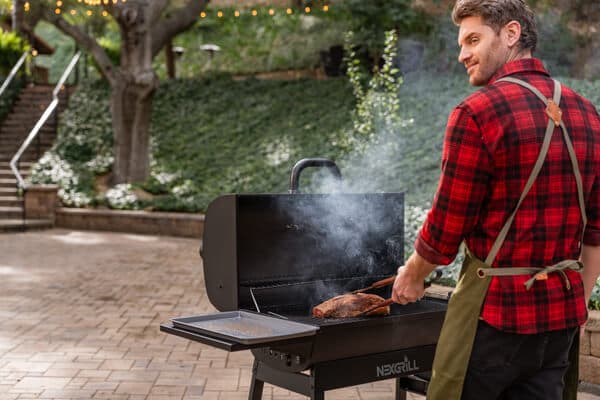
Discover top applications to elevate your outdoor cooking adventures.

Here's what sets us apart from the competition
We position ourselves as delivering high-end outdoor cooking features and performance without premium-brand pricing, emphasizing “Quality Grills. Unbelievable Value.”
We offer gas grills, pellet grills, griddles, smokers, pizza ovens, portable/tabletop grills, electric grills, accessories, and replacement parts — allowing customers to stay within one ecosystem for all outdoor cooking needs.
We differentiate ourselves through smart grilling products like the Oakford smart pellet grill, including app-connected cooking controls and modern outdoor cooking technology.
Expert tips, buying guides, comparisons, and inspiration for choosing and getting the most out of your grill.
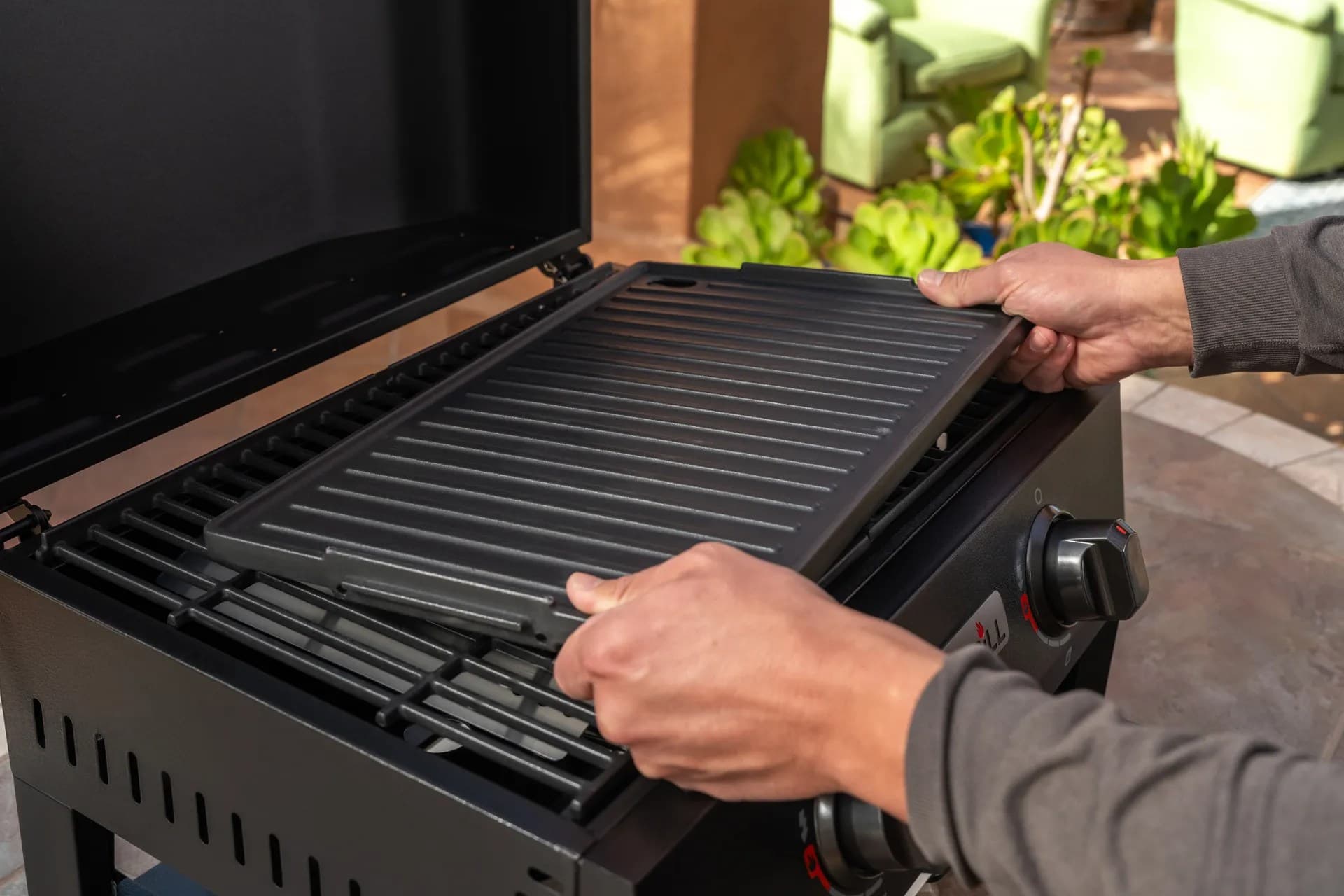
Practical guides for cleaning, maintenance, common grill issues, and performance optimization.
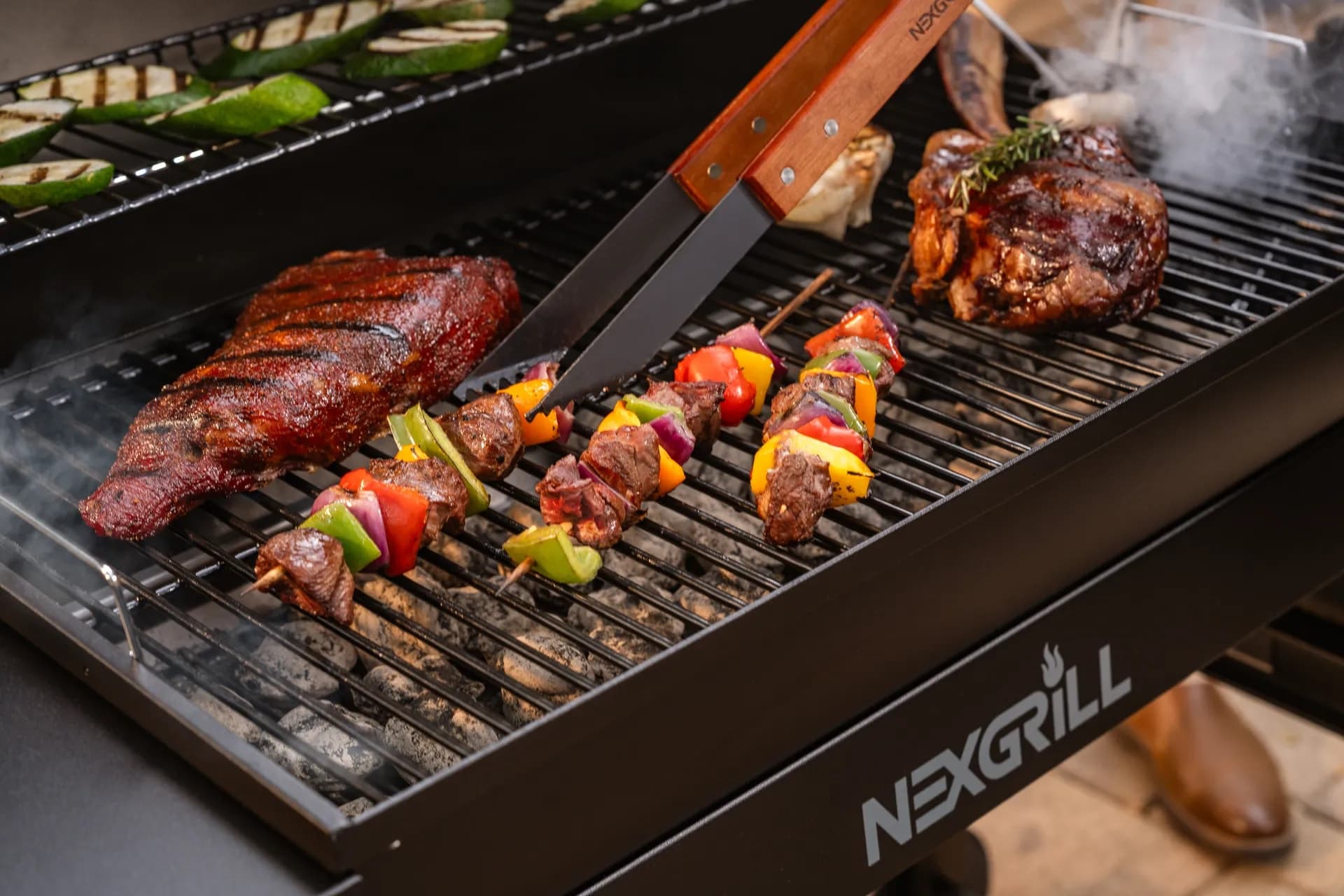
Step-by-step grilling recipes, cooking techniques, and meal ideas for every occasion and skill level.

Backyard entertaining ideas, seasonal grilling inspiration, and stories that celebrate outdoor cooking culture.
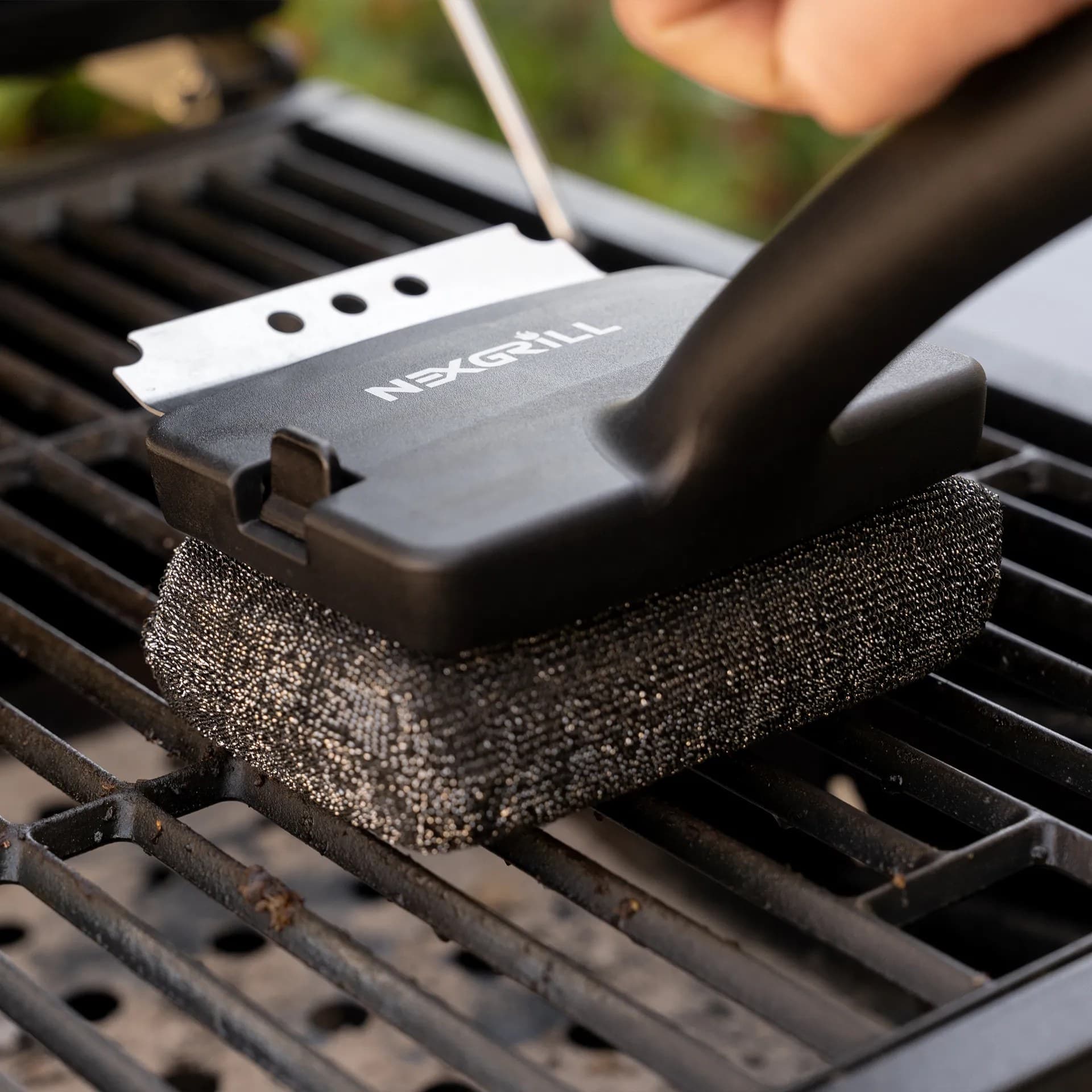
Helpful articles covering grilling tools, cookware, maintenance gear, and must-have accessories for outdoor cooking.
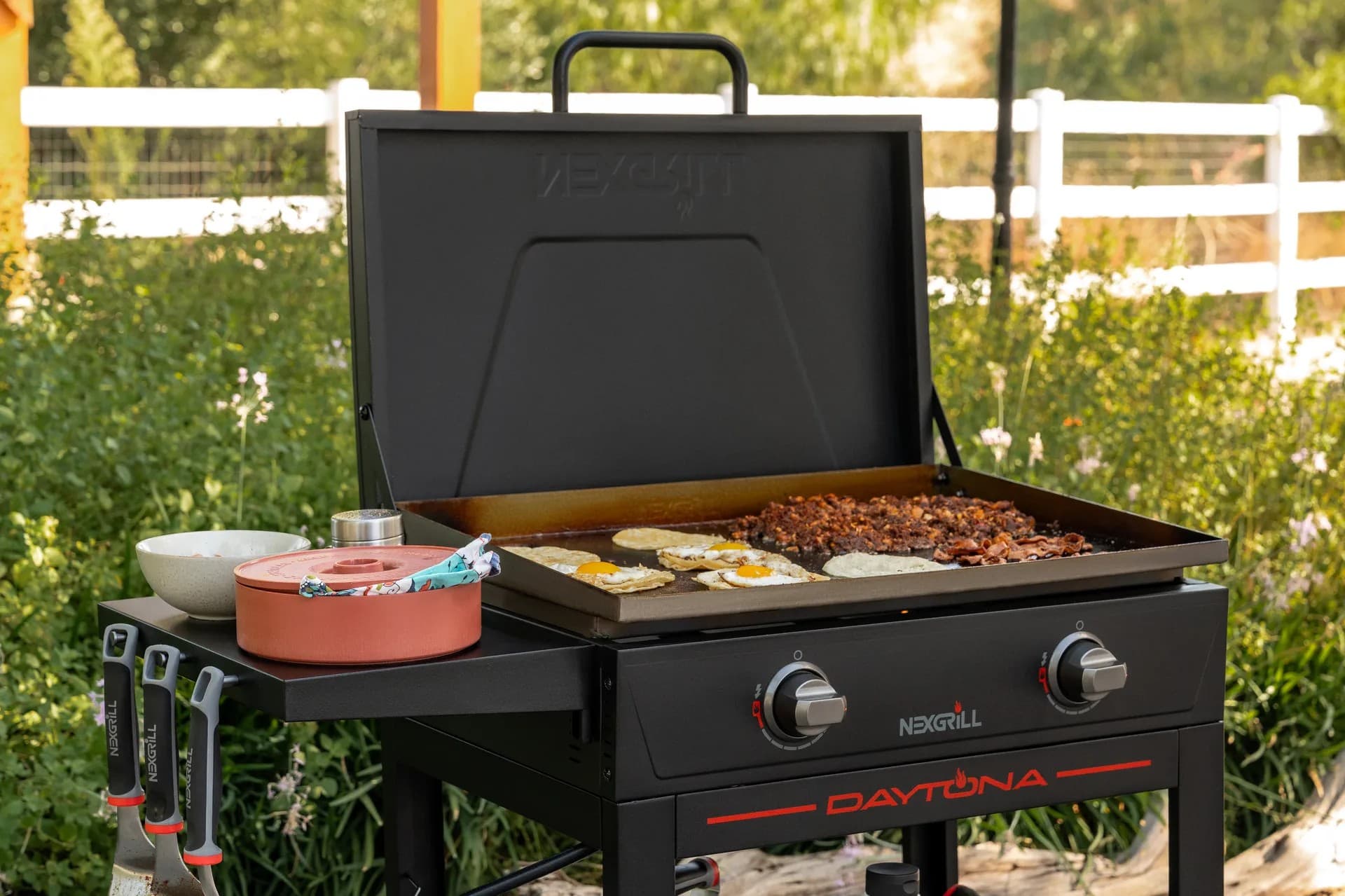
Find griddle recipes, cooking techniques, cleaning tips, and outdoor meal ideas designed for Nexgrill griddles.
Find answers to common questions
Nexgrill offers a variety of grills including gas, charcoal, and pellet grills, catering to different cooking preferences and styles.
Nexgrill is headquartered in California and serves a global market, primarily through retail partnerships such as Home Depot.
Yes, replacement parts are available for various Nexgrill products, and you can find them on the Nexgrill website or through authorized retail partners.
You can reach out to Nexgrill for support through their contact page on the website, where you will find options for phone and email inquiries.
Nexgrill products come with specific warranty terms, which can vary by product; it is recommended to check the warranty details on the product page or in the user manual.
In This Article
Weber Connect Smart Grilling 2.0
Paprika Recipe Manager
Traeger App
Outdoor-cooking apps have moved far beyond simple recipe bookmarks. For many backyard cooks in the United States, they now act like a second set of hands: they can track temperatures, organize prep, time a reverse sear, keep a grocery list in order, and even teach technique while dinner is on the grill. That matters because outdoor cooking is usually a multitasker’s game. You may be managing guests, side dishes, a drink station, and a heat source that changes fast. The best apps reduce that friction so the cook can focus on timing, flavor, and confidence instead of trying to remember three different timers and a handwritten recipe page that’s already got sauce on it.
The most useful apps tend to fall into three buckets. First are smart grilling companions like Weber Connect Smart Grilling 2.0, which pair with connected hardware and guide you through the cook with graphs, doneness cues, and reminders. Second are organization tools like Paprika Recipe Manager, which help households build repeatable systems around recipes, meal plans, and shopping lists. Third are ecosystem apps tied to specific grills or fuel types, such as the Traeger app, which combines recipes with control features for WiFIRE-enabled cooking. Each solves a different problem, and the right choice depends less on the app store rating and more on how you actually cook on a patio, deck, or campsite.
Tip: the best outdoor cooking app is the one you will open before you cook, not just after you discover a problem. If an app’s setup is too complicated, it becomes background noise.
App categories that matter most for real-world outdoor cooking: guidance, organization, and connected control.
For Nexgrill readers, the practical question is simple: do you want help cooking better tonight, or do you want a system that makes every cook easier over time? Someone who grills a few times a month may love an app that provides clear step-by-step guidance and a dependable recipe library. A more advanced griller may care more about temperature graphs, multi-probe tracking, and integration with smart hardware. Families that plan several meals at once may get the most value from an app that turns recipes into a grocery list and keeps weeknight prep organized. Because the category is broad, it helps to think in terms of workflow instead of novelty.
Nexgrill’s own brand philosophy centers on accessibility, togetherness, and making outdoor cooking inviting rather than intimidating, which fits naturally with app-based cooking support. The right app should lower the barrier to better food, not raise it with cluttered screens and unnecessary steps. That is especially important for beginners who may be learning doneness, heat zones, and resting times for the first time. The ideal app does not take over the cooking process; it helps you stay in control while making the process feel calmer and more repeatable.
Weber Connect Smart Grilling 2.0 is best understood as a coaching app for connected grilling. According to Weber’s launch materials, it offers a dynamic grilling dashboard, cook graphing, guided recipes, and instructional videos that are designed to help people cook with more confidence . That combination matters because most grilling mistakes are not dramatic; they are small timing errors. Food gets pulled a little early, rested a little too long, or moved at the wrong stage. A dashboard with visual cues and a temperature graph gives the cook something more reliable than a quick glance through the window or a guess based on smell alone.
Where Weber Connect stands out is its guidance-first approach. It is not just a place to store recipes. It is trying to help you make decisions while the food is actually cooking. That makes it useful for newer grillers, but it also helps experienced users when they are trying a new cut, a thicker steak, or a larger roast. A guided interface can reduce the mental load that comes with juggling indirect heat, probe placement, and finish timing. If you have ever had a cook stall because you were checking meat too often or second-guessing the finish temperature, that kind of support can be genuinely helpful.
The best use case is a cook who wants structure without giving up the outdoor experience. Think of a Saturday dinner where you are cooking for family and want a bit more assurance on a pork loin, salmon, or bone-in chicken. The app’s cook graphing and instructional content make it easier to understand what is happening inside the grill instead of treating the process like a mystery. That can be especially useful for households that share one grill but have different experience levels. One person can follow the app while another handles sides, drinks, or setting the table.
Warning: smart cooking apps work best when probes, pairing, and placement are set up before the heat is on. If you wait until food is already cooking, you lose the main advantage.
The broader lesson from Weber Connect is that a good grilling app should translate data into decisions. Temperature data alone does not help if it is hard to interpret. By pairing visuals, recipes, and videos, the app tries to answer the questions people actually ask mid-cook: Is the temperature climbing normally? When should I flip? When do I start resting? That makes it a strong fit for cooks who like certainty, especially if they are learning to coordinate meat, vegetables, and timing for a full meal.
Paprika Recipe Manager takes a very different approach from a smart grilling companion. It is less about live temperature control and more about building a better cooking system. Paprika is described in the research notes as a comprehensive app for organizing recipes, meal planning, and grocery lists across multiple platforms, which is exactly why it appeals to households rather than just individual cooks . For outdoor cooking, that matters because great grilling is often part of a bigger weekly rhythm. You are not just cooking one meal; you are choosing proteins, side dishes, sauces, and shopping timing.
Paprika is especially useful for anyone who has recipes scattered across screenshots, social media saves, printed cards, and browser tabs. Instead of treating recipe discovery as a one-off, the app helps you turn it into a repeatable library. That is a real advantage if your outdoor cooking style includes rotating weeknight grill dinners, weekend cookouts, and seasonal favorites. A griller who likes to keep one smoked chicken recipe, one steak marinade, and one vegetable foil-pack method ready to go will appreciate a single place to store all of it. The planning tools are just as valuable because they help connect the recipe to the grocery list and to the actual day on the calendar.
For U.S. households balancing work, school, sports, and weekend plans, this type of app can quietly save time. If you know Friday night is burger night and Sunday is a backyard chicken cook, you can plan ingredients around both meals instead of making separate store trips. Paprika also suits families who share cooking responsibilities. One person can capture recipes, another can check the pantry, and someone else can shop from the list. That makes the app less about entertainment and more about reducing friction in the kitchen and at the grill.
Tip: if your biggest frustration is not cooking, but remembering what worked last time, recipe organization apps often deliver more value than a hardware-linked grilling app.
Paprika’s strength is also its neutrality. It does not force you into one brand’s hardware ecosystem, so it works well for cooks who want flexibility. That is useful if your grilling setup changes over time or if you move between a backyard gas grill, a griddle, and a pellet cooker. You can keep the same recipe archive and planning workflow no matter what equipment you are using. In practice, that can make the app a better long-term household tool than a more narrowly focused connected-grill platform.
The Traeger app is built for cooks who want recipes and connected grill control in the same place. The research notes describe it as providing access to more than 1,500 curated recipes and integrating with Traeger’s WiFIRE technology for precise temperature control . That combination is important because pellet grilling is often about long, steady cooks where small adjustments matter. A large recipe library gives you ideas, while WiFIRE support helps you manage the actual temperature from a distance. In other words, the app is designed to support both inspiration and execution.
The Traeger app makes the most sense for cooks who already value pellet-style cooking or who want to explore low-and-slow barbecue with more guided support. If you are smoking ribs, pork shoulder, brisket, or even a whole chicken, the ability to monitor and adjust temperatures without hovering over the grill can change the rhythm of the day. That can be a real benefit when the cook is part of a larger gathering. Instead of staying tied to the smoker, you can move between guests and still keep track of the cook’s progress.
Another reason the app appeals to outdoor cooks is that it lowers the distance between idea and action. A lot of people own a grill or smoker but fall back on the same two or three recipes because the rest feel too risky. A curated recipe library can push the cook to try a new rub, a different wood profile, or a side dish that fits the main protein. For households that like to host, that variety matters. It helps move the meal from “same old barbecue” to a more thoughtful outdoor menu without requiring a culinary degree.
Info: app ecosystems are strongest when the hardware and software were designed to work together. If you already own compatible equipment, the experience is usually smoother than mixing unrelated tools.
At the same time, the app is most compelling when you want the Traeger experience specifically. If you do not use that hardware, the value changes. That is why it is better to think of the app as part of a system rather than a generic grilling helper. For pellet-grill owners, though, it can be a strong fit because it combines library content with hands-on temperature control, which is exactly what many modern backyard cooks want.
Choosing between outdoor cooking apps starts with being honest about your cooking style. If you want live help while the food is on the heat, a connected-grilling app like Weber Connect Smart Grilling 2.0 is the most supportive choice. If you need to tame recipe chaos and plan meals for a household, Paprika Recipe Manager is the stronger organizational tool. If you already cook on a compatible pellet platform and want a mix of inspiration and remote control, the Traeger app delivers a more ecosystem-specific experience. Each app can improve your grilling life, but each does it in a different way.
A useful way to think about it is by pain point. If you worry about overcooking meat, choose the app that gives you the most temperature feedback. If you forget ingredients or lose recipes between seasons, choose the app that simplifies planning. If you enjoy discovering new barbecue ideas and want the grill itself to become more interactive, choose the app that combines recipe discovery with equipment integration. That frame is more useful than asking which app is best in the abstract, because the answer depends on whether your biggest challenge is timing, organization, or exploration.
Try comparing two products side by side below to see which fits best:
Once you have compared two apps and narrowed the field, the next question is how technology fits into your actual grilling routine. The best outdoor cooking apps are not meant to replace your judgment; they are there to reduce uncertainty. In a real backyard setting, that can mean checking a probe reading before guests arrive, pulling a recipe up on a phone mounted near the patio door, or scanning a grocery list while you are already at the store. Small conveniences add up, especially when you are cooking outdoors and moving between tasks more often than you would indoors.
A smart routine usually starts before the fire is lit. Many outdoor cooks get better results when they use an app to map out the cook in advance: what is being grilled, what temperature range the food needs, what sides need oven space, and what can be prepared early. That planning step is where apps often create the most value. The app becomes a staging area, not just a reference library. If you are preparing a cookout for four to eight people in the United States, that pre-planning can be the difference between a relaxed meal and a chaotic one where the main dish and sides finish at different times.
There is also a practical benefit to building habits around one app instead of bouncing between several. When your recipes, notes, and temperature tools live in one place, you are more likely to remember what worked on the previous cook. That is useful for learning, because successful outdoor cooking depends on repetition. The second time you make the same pork chop or chicken thigh recipe, you should not be starting from zero. Apps help you keep those details accessible, which means fewer surprises and more repeatable results.
Tip: save your own notes after each cook. Even a short note like “pull 5 minutes earlier” or “used thicker steaks” makes the app more valuable the next time.
Advanced features separate a helpful app from a genuinely useful one. In connected grilling apps, temperature graphs and live dashboards help you understand trend lines rather than react to one reading at a time. That matters because heat moves in patterns. A graph can show whether your grill is stabilizing, overshooting, or dropping when the lid opens. Recipe guidance and instructional videos also help users learn technique instead of just following a timer. For newer cooks, that combination can shorten the learning curve in a way a basic stopwatch never could.
Recipe managers offer a different kind of advanced value. Batch planning, grocery list generation, and cross-device access may not sound flashy, but they are exactly what makes weekly grilling sustainable. If you host often, the ability to organize marinades, prep notes, and shopping ingredients in one ecosystem can save more time than any flashy gadget feature. In practical terms, that means the app helps you move from “What should I cook?” to “I already know what needs to be bought, marinated, and preheated.”
Some apps also add community or discovery layers. Curated recipe libraries, instructional content, and meal inspiration can help you branch out from the same routine. That is useful when you want to use the grill for more than burgers and steaks. Think grilled peaches, cedar-plank fish, glazed chicken, or smoked vegetables that become part of a larger meal. The app is at its best when it nudges you toward a better outdoor cooking habit rather than simply showing you a screen full of icons.
Warning: more features are not always better. If an app adds extra steps just to find a recipe or start a cook, it may slow you down more than it helps.
User experience is often the most revealing test of an outdoor cooking app. People usually praise apps when they feel calmer, more organized, and more confident while cooking. A grilling app earns trust when it helps someone serve dinner on time without hovering over the grill every thirty seconds. A recipe app earns trust when a family can actually find the same recipe again next month and shop for it without retyping ingredients. In that sense, the best reviews are often less about glamour and more about reliability.
In practical terms, reviewers often divide apps into two camps. Some are loved for live cooking support and temperature visibility. Others are loved because they bring order to the clutter of meals, links, and kitchen notes. That split is useful because it shows why there is no single winner for everyone. A first-time pellet owner may rave about guided temperature tools, while a meal-prep focused parent may care far more about grocery list workflows and cross-device syncing. Both can be right, because both are solving different problems.
Another consistent theme in user experience is trust. When the app makes the cook feel more in control, it becomes part of the routine. When it feels finicky, that trust disappears quickly. Outdoor cooking happens in real weather, real wind, and real time pressure. A good app should be resilient enough to fit into that environment, not demand a perfectly controlled setup every time.
| App | Best For | Standout Features | Pricing Model |
|---|---|---|---|
| Weber Connect Smart Grilling 2.0 | Guided grilling and temperature coaching | Cook graphing, dashboard, recipes, instructional videos | App access depends on Weber ecosystem and supported devices |
| Paprika Recipe Manager | Recipe organization and household planning | Meal planning, grocery lists, cross-platform organization | Typically a paid app model with platform-based purchasing |
| Traeger App | Pellet cooking and WiFIRE users | 1,500+ recipes, remote temperature control, connected cooking | Included with Traeger ecosystem and supported hardware |
Pricing is best evaluated in context. An app that looks inexpensive upfront may not offer much value if it does not fit your cooking style or hardware. Meanwhile, an app tied to compatible equipment may be worth more if it saves you time during every cook and helps reduce mistakes. In the United States, many buyers think in terms of total usefulness over a season rather than a one-time purchase price. That is the right way to judge these tools, because outdoor cooking is a habit, not a single transaction.
Which option suits you? If you want live help while cooking meat to the right finish, Weber Connect is the clearer fit. If you want to manage recipes for the whole family and make grocery shopping easier, Paprika is the smarter investment. If you own a compatible Traeger setup and want both recipe discovery and remote control, the Traeger app is the most natural extension of that grill.
Outdoor cooking apps are most useful when they help you cook with less guesswork and more consistency. That may look different from one household to another, but the payoff is similar: less stress, better timing, and a more enjoyable gathering around the grill. For some cooks, that means live temperature guidance. For others, it means a cleaner recipe workflow. For many families, it means finally getting the outdoor cooking routine out of text threads and scattered screenshots and into one dependable system.
The smartest way to adopt these tools is to match the app to the job you need done. Use guidance apps for confidence at the grill, use organization apps for meal planning, and use ecosystem apps when you already own the hardware they support. That simple approach helps you avoid feature overload and keeps the experience focused on what matters most: good food, good timing, and a better time with the people you invited over.
Here's what sets us apart
We position ourselves as delivering high-end outdoor cooking features and performance without premium-brand pricing, emphasizing “Quality Grills. Unbelievable Value.”
We offer gas grills, pellet grills, griddles, smokers, pizza ovens, portable/tabletop grills, electric grills, accessories, and replacement parts — allowing customers to stay within one ecosystem for all outdoor cooking needs.
We differentiate ourselves through smart grilling products like the Oakford smart pellet grill, including app-connected cooking controls and modern outdoor cooking technology.
Don't just take our word for it
Keep reading
From our catalog