Beginner's Guide to Setting Up Nexgrill Smart Grills
Discover how to seamlessly integrate your Nexgrill smart grill with app technology for an enhanced cooking experience.

In This Article
Smart Grill Features
App Integration
Community Engagement
Understanding Nexgrill Smart Grills
Nexgrill smart grills are designed for those who seek precision and ease in outdoor cooking. These grills come equipped with advanced technology that integrates with a smartphone app, allowing you to control temperature, monitor cooking times, and receive notifications. This integration offers a level of convenience and control that traditional grills can't match, making it a perfect choice for both novice and seasoned grillers. By embracing smart technology, Nexgrill elevates the grilling experience, ensuring that every meal is cooked to perfection.
Key Features of Nexgrill Smart Grills
- Remote temperature monitoring via app
- Automated cooking programs
- Real-time alerts and notifications
- Energy efficiency through smart controls
Smart grills offer a blend of technology and tradition, perfect for enhancing your grilling repertoire.
Setting Up Your Nexgrill Smart Grill
To get started with your Nexgrill smart grill, you need to ensure that you have the necessary equipment and setup. Begin by unboxing your grill and assembling it according to the manufacturer's instructions. Once assembled, download the Nexgrill app from the Google Play Store or Apple App Store. The app is essential as it connects your grill to your smartphone, offering control over various functions.
Connecting Your Grill to the App
Ensure your smartphone's Bluetooth is enabled. Open the Nexgrill app and follow the on-screen instructions to pair your device with the grill. This typically involves holding down the grill's Bluetooth button until it enters pairing mode. Once connected, you can begin exploring the app's features.
Keep your grill’s firmware updated through the app for the best performance.
Calibrating and Testing
After setting up, it's crucial to calibrate your grill to ensure accurate temperature readings. Use a grill thermometer to compare the grill's temperature with the app's display. Adjust as necessary to ensure they match. Next, run a test cook with a simple dish to familiarize yourself with the app's controls and notifications.
| Step | Action |
|---|---|
| 1 | Assemble the grill |
| 2 | Download the Nexgrill app |
| 3 | Pair the grill with the app |
| 4 | Calibrate temperature |
| 5 | Run a test cook |
Successfully setting up your smart grill opens up a world of culinary possibilities. Try comparing two products side by side below to see which fits best:
Optimizing Your Grilling Experience
Once you've weighed two options against each other, it's time to delve deeper into optimizing the use of your Nexgrill smart grill. The app not only allows you to control the grill remotely but also provides valuable insights into cooking techniques, ideal temperatures for various foods, and maintenance reminders. The automated cooking programs are particularly beneficial for beginners, offering step-by-step guidance to grill a perfect steak or roast vegetables.
Utilizing Automated Cooking Programs
These programs are designed to simplify the cooking process, allowing you to select the type of food and desired doneness. The grill will adjust its temperature settings accordingly and notify you when it's time to flip or remove the food. This feature is especially useful for those new to grilling, as it removes the guesswork and ensures consistent results.
Automated programs ensure your food is cooked to perfection every time.
Maintenance and Troubleshooting
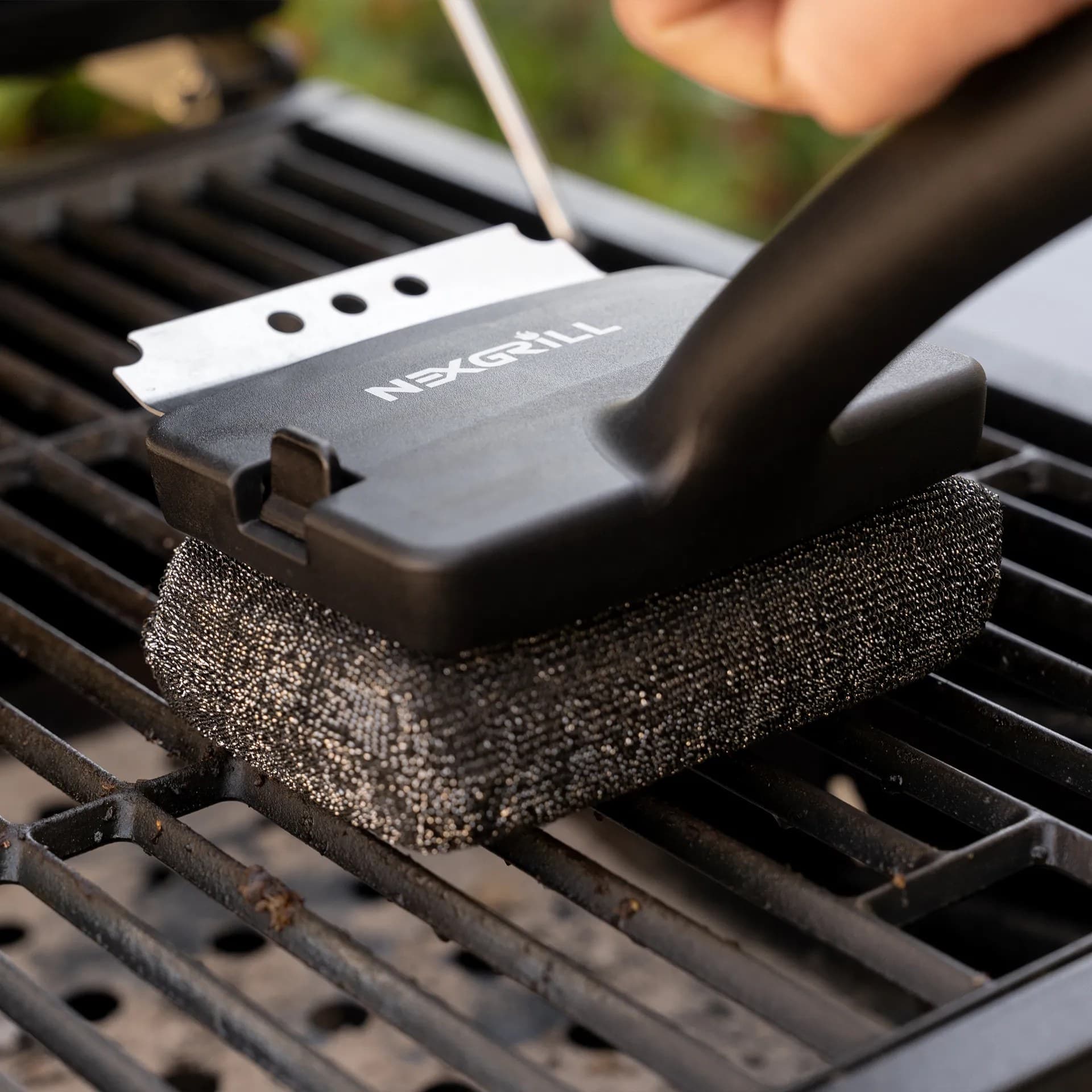
Proper maintenance of your Nexgrill smart grill is essential for longevity and optimal performance. Regularly clean the grill grates with a wire brush and check for any signs of wear or damage. The app will provide reminders for maintenance tasks and updates for the grill's software.
Common Issues and Solutions
If you experience connectivity issues, ensure that your smartphone and grill are within the Bluetooth range. Restart the app and try reconnecting. For temperature discrepancies, re-calibrate your grill using a trusted thermometer. If problems persist, consult the app's help section or contact Nexgrill support.
| Issue | Solution |
|---|---|
| Connectivity issues | Ensure devices are within range and restart the app |
| Temperature discrepancies | Re-calibrate with a thermometer |
| App not responding | Update the app and check for firmware updates |
Exploring the Community and Recipes
Nexgrill encourages grillers to become part of a larger community. The app allows you to share recipes, grilling tips, and experiences with other users, fostering a sense of camaraderie and shared passion for outdoor cooking. Engaging with this community can offer new insights and inspiration for your grilling endeavors.
Join the Nexgrill Community
Connect with fellow grill enthusiasts and exchange tips and recipes within the app.